
Performance
Track your managed account's views, followers and engagement, and download a performance report.
BetaCreators
The Performance tab shows how your managed account is doing. It appears once the account has been delivered. Bloss collects the account's numbers once a day, and a post's stats appear about a day after it's published.
What you see
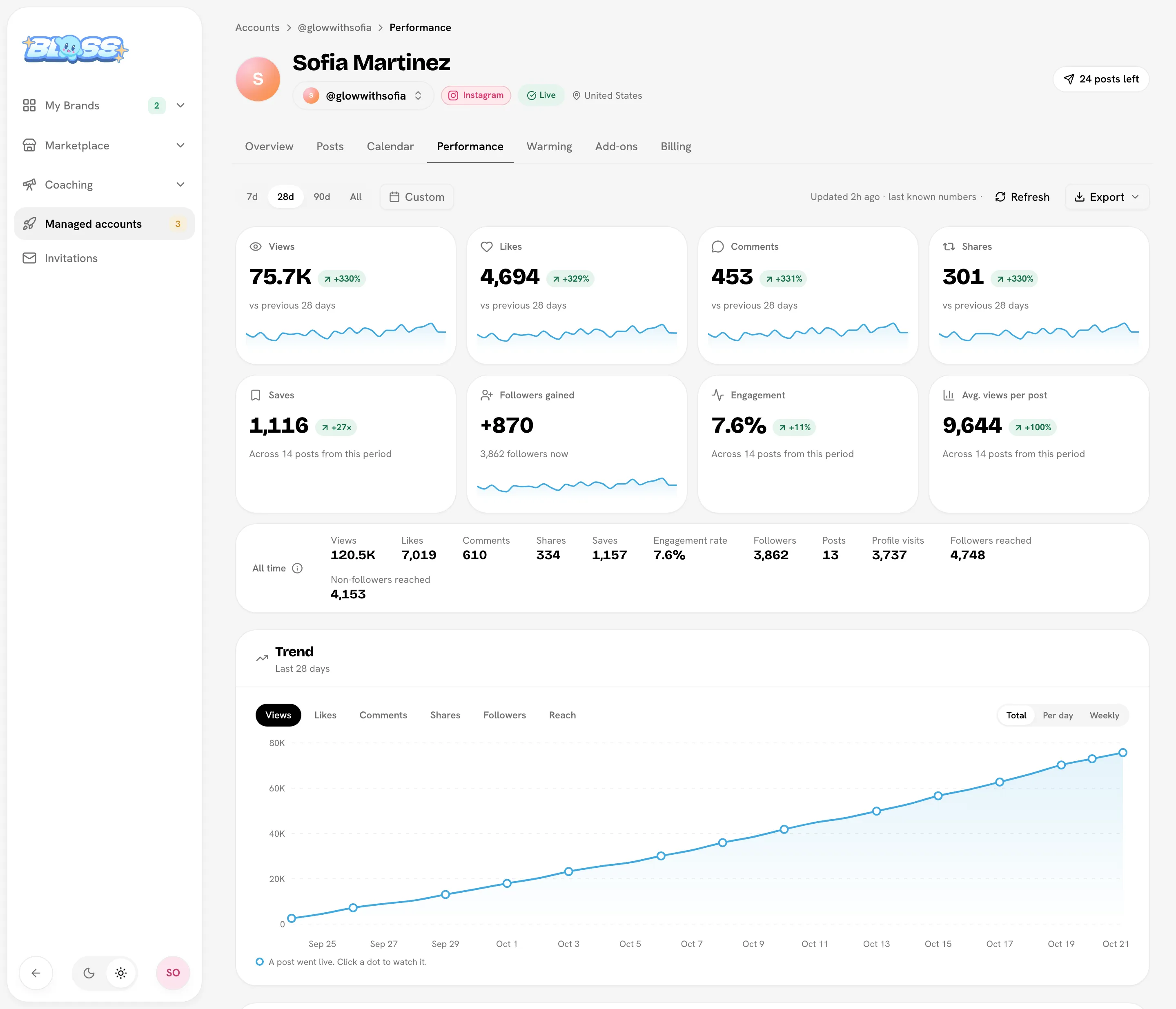
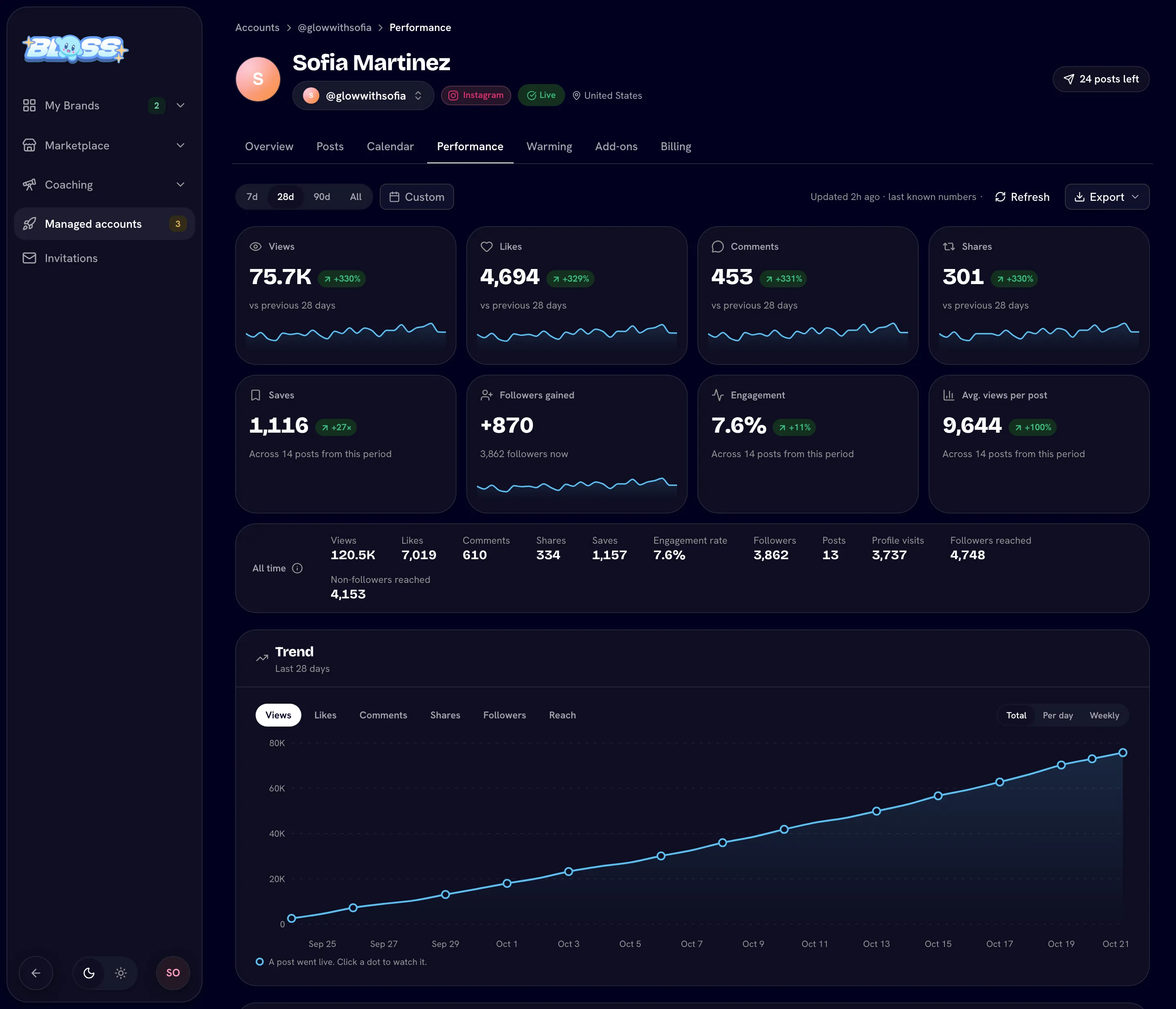
Pick a period at the top: 7d, 28d, 90d, All, or Custom (up to a year at a time). Every number on the page follows it.
- The period's numbers: views, likes, comments and shares gained in the period, followers gained, and saves, engagement and average views per post for the posts published in it. Each shows the change from the period before.
- All time: the same numbers for the account's whole life, in a quieter row.
- A trend chart of views, likes, comments, shares or followers, as a running total, per day or per week. Each dot is a post that went live; click it to watch the post.
- Content performance: your posts ranked by top, views, engagement or newest, for the period or all time, with each post's numbers and anything the platform flagged. Click a post to watch it with its numbers, how long people watched, and where its views came from (for example For You).
- Post intelligence: average watch time, how many watched to the end and the share of views from For You, when the platform reports them.
- Audience and Comments. Comments are summed up as mostly positive, neutral, mixed or mostly negative.
Followers and profile visits are measured on the account itself, not added up from your posts, so the two sets of numbers won't match exactly.
Download your numbers
Open Export:
- CSV gives you the raw numbers for the period you picked.
- A report template (Executive, Agency, Creator, Growth or Minimal) opens a Performance report you can print or save as a PDF with Print or save as PDF.
Use Refresh to load the latest numbers.
Related
Last reviewed Oct 22, 2026