
Reviewing delivery
Check your newly built managed account, then approve it to go live or ask for a change within 48 hours.
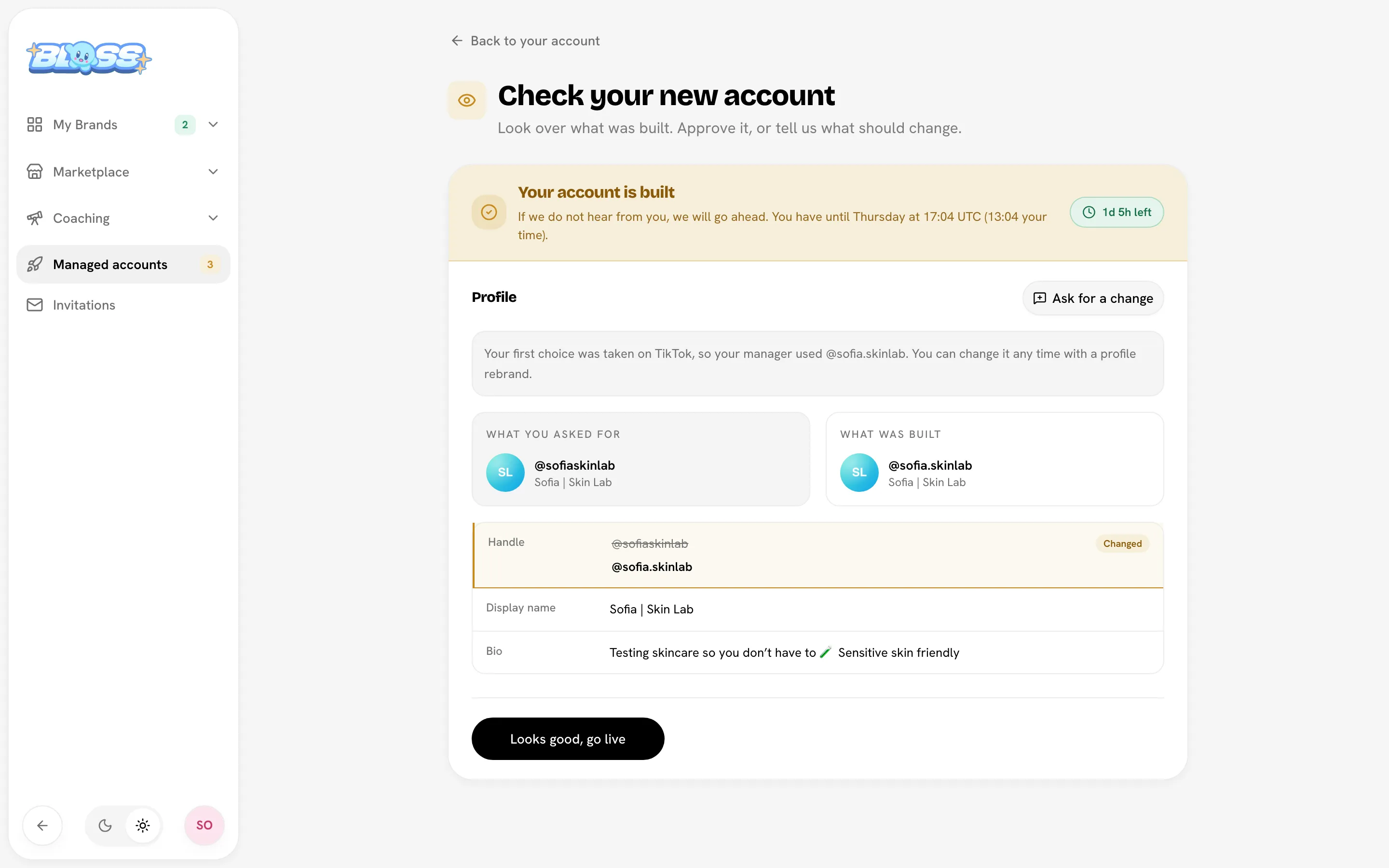
When your account is built, Bloss emails you and the account shows Ready for your check. You have 48 hours to look it over and either approve it or ask for a change.
Check your account
- Open the account and click Check your new account.
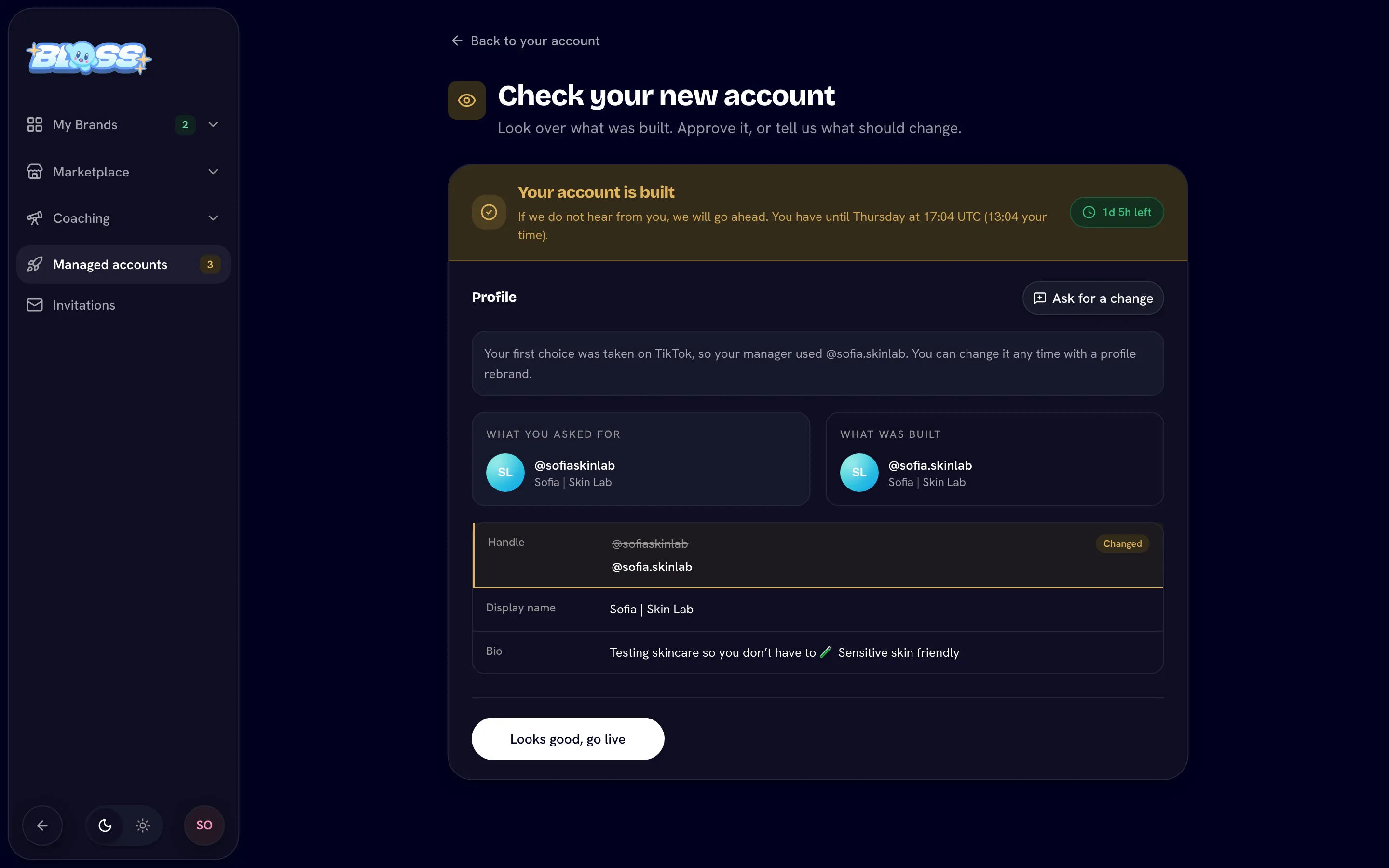
- Compare What you asked for with What was built. Anything different has a Changed chip.
- If your first-choice handle was taken, a note shows which handle was used instead.
The page shows a countdown and the deadline, in UTC and your own time.
Approve it
Click Looks good, go live, then confirm. You'll see Approved. Your account is live. You can start scheduling posts straight away.
After you approve, profile changes are a paid Profile rebrand from the account's Add-ons tab.
Ask for a change
- Click Ask for a change.
- Tick what should change: Handle, Display name, Bio or Profile picture.
- Under Tell us what it should be, describe the change (at least 10 characters). Be specific, because the change is made once, exactly as you describe it.
- Click Send.
The account shows Changes requested until it comes back to you for another check.
If you don't respond
If you don't approve or ask for a change within 48 hours, the check closes and the account goes live as it was delivered. Bloss sends you reminders before the deadline. You can still change the handle, name or bio later with a paid profile rebrand.
Related
Last reviewed Oct 22, 2026