
Ordering an account
Buy a managed account, set it up in the short wizard, and follow it from order to live.
Getting a managed account has two parts. First you buy it. Then you set it up: you tell Bloss the platform, the country, the profile and the topics.
1. Buy the account
Go to Managed accountsPricing and scroll to the prices. You pay once for the first month; each option also sets the monthly plan the account moves to from its second month.
| Option | What you get, one-time per account | Plan from month 2 |
|---|---|---|
| Start | Account signup, 3 warmup sessions and 30 posts. Upkeep for the first 30 days is included. | Upkeep + 30 posts |
| Setup only | Account signup and 3 warmup sessions, no posts. Upkeep for the first 30 days is included. | Upkeep only |
Running more than one account? Use the calculator (Running more than one account?) to pick a number of accounts, the posts per account in month 1, and the posts on each account's plan from month 2, all in steps of 5. The plan follows month 1 until you change it, and it can be Upkeep only. Each account gets its own posts, balance and plan.
Click Start an account or Choose setup only and check the Checkout window. It lists the content rules; tick "I've read the content rules. I understand an account that breaks them can be banned and won't be rebuilt for free." (Pay stays off until you do), then click Pay. Got a code? Click Have a code?, type it and click Apply first.
Pay opens Stripe's secure checkout page. Pay there, and your card is saved for later purchases and your monthly plan. Back in Bloss you'll see Paid. Set up your new account. Your Accounts page now shows 1 account ready to set up. If you leave Stripe's page without paying, nothing is created or charged.
You can change the plan at any time, and pause the account once it's live. See Plan, posts & balance for how the money is split and what happens from the second month.
2. Set it up
On Accounts, click Set up next to ready to set up. The Build a managed account wizard opens. It has five steps, or six when Express is offered. Your answers are saved as you go, so you can leave with Cancel and come back later.
The identity and warming steps show a short reminder of the content rules. Click Hide once you've read it.
Platform: Which platform?
Choose TikTok or Instagram. One account is on one platform.
Market: Where should the account be based?
Pick the country the account is based in. Availability changes day to day. The list shows only what's open, for example 12 markets open on TikTok today.
Markets Bloss builds in include Australia, Brazil, Canada, Colombia, France, Germany, Greece, Italy, Japan, Mexico, Romania, Spain, Sweden, Switzerland, the United Kingdom and the United States, though not every one is open on every platform at any time.
Package: Standard or Express? (only when offered)
Standard builds a new account from scratch. Express rebrands a ready, already warmed account and is typically ready in 1 to 3 days. See Standard and Express.
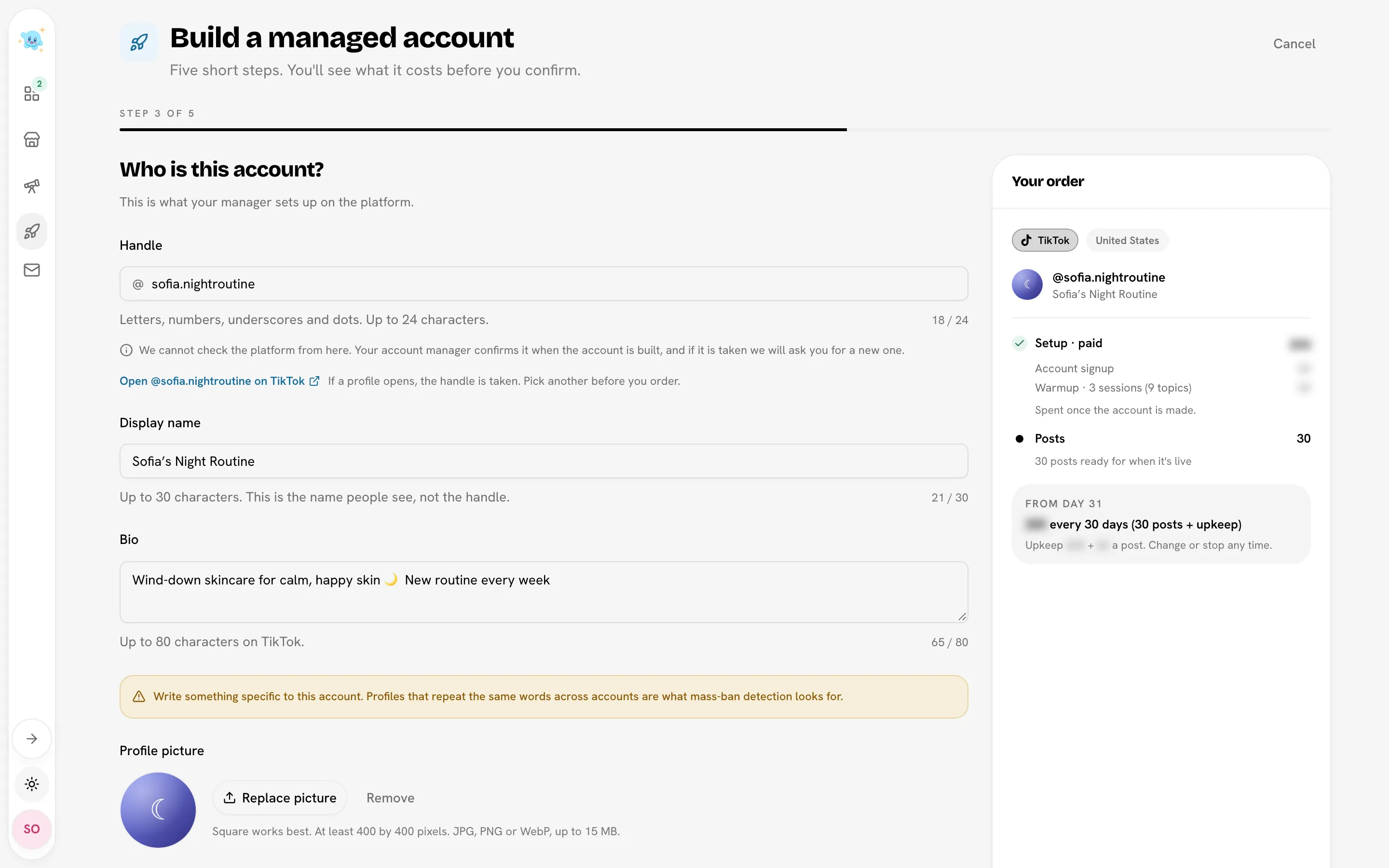
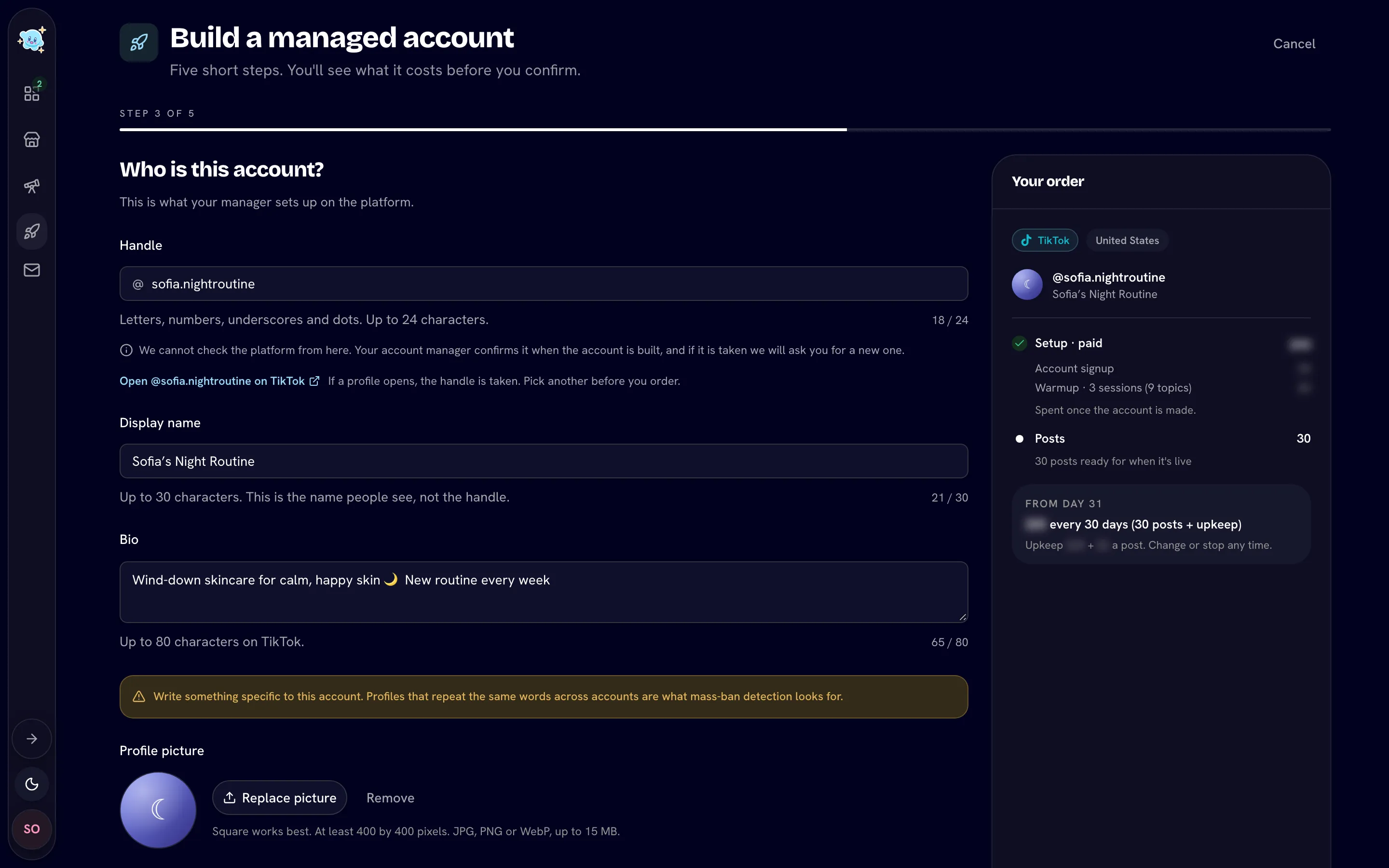
Identity: Who is this account?
| Field | Rules |
|---|---|
| Handle | Letters, numbers, underscores and dots, up to 24 characters, not ending with a dot. Use Open @handle on … to check it isn't taken. |
| Display name | Up to 30 characters. |
| Bio | Up to 80 characters on TikTok, 120 on Instagram. Write something specific to this account; platforms flag profiles that repeat across accounts. |
| Profile picture | Square works best, at least 400 × 400. JPG, PNG or WebP, up to 15 MB. Required. |
| Link in bio | Instagram only. A full address starting with https://. |
Warming: What is this account about?
Add 9 topics (3 on Express): the things the account will post about. Each topic is 2 to 50 characters, and they must all be different. Press Enter or comma after each one, or paste a list.
Stuck? Open Need ideas?, describe your niche and click Suggest topics.
Your topics are locked once the build starts.
Review: Check and pay
Check every answer (click Edit to change one). Read What happens next: a person builds the account, and there's no fixed delivery date. Then tick the two boxes:
- the setup fee isn't refundable once the build starts;
- you've read the content rules, and an account that breaks them can be banned and won't be rebuilt for free. The full list of rules is shown above the boxes.
Click Start @yourhandle.
Don't need an account you bought? On the first step, click Don't need this account? Cancel it. Its setup money isn't spent: it moves to another of your accounts, or to the next account you set up.
3. Follow the order
After you click Start @yourhandle, you'll see Order placed. We are getting it ready now. and land on the order page. Where your account is shows the stage:
| Stage | What's happening |
|---|---|
| Order received | Same day. Bloss gets every order ready before the build starts. |
| Being built | A person is building your account. No fixed date; usually days, not hours. |
| Warming | Warmup starts once the account exists, in sessions of 3 topics. |
| Your check | You have 48 hours to approve or ask for a change. |
| Live | Posting starts. |
Until the build starts, the account's status reads Getting ready. If it says Our team is checking this order instead, a person at Bloss is looking at it before the build starts. That usually takes a few hours, and there's nothing you need to do.
Bloss emails you when the account is ready for your check.
If your handle was taken
You may see Your account needs a change before it can be finished. Usually it's because the handle is taken on the platform. Pick a new handle (or keep it and leave a note), then click Send to your manager. It costs nothing.
If an order isn't built
If Bloss can't take the order on, the order is closed and the page says @handle was not built. It tells you what happened to the money. Refunds go back to an account as posts or balance, not to your card.
Related
Last reviewed Oct 22, 2026