
Managed accounts
What a managed account is, what Bloss does for you and what you do, and how to get started.
A managed account is a new TikTok or Instagram account that Bloss builds, warms up and posts to for you. You upload the videos and pick the days. A real person does everything else: creating the account, warming it up so it doesn't look brand new, and publishing your posts by hand.
Get started
Open Managed accounts in the main sidebar. If you don't have an account yet, the Accounts tab shows Set up your first managed account: the three steps, what the first month costs and what the monthly plan costs after it. Click Set up your first account to go to the prices on the Pricing tab, buy your first account, then set it up. See Ordering an account.
If you see Managed accounts in your sidebar, you can order. Support may set a limit on an account. When you reach it, you'll see "You've reached the account limit on your account. Contact support to raise it." If managed accounts are turned off for your account, you'll see "Managed accounts aren't available on your account. Contact support."
Some brands also assign managed accounts to their creators; those show as Managed Account in the brand's portal.
How it works
We set it up
A new account is created in the country you choose and the profile is filled in. Then it gets 3 warmup sessions: normal activity in your topics, so the account is established before it posts. There's no fixed delivery date, because a person builds each one; it usually takes days, not hours.
You check it
When it's built, you get 48 hours to approve the account or ask for a change. See Reviewing delivery.
We post your videos
Once it's live, upload your clips and pick a day for each. A person publishes them on that day or the next. See Posting.
We keep it running
Every 30 days, upkeep keeps the account active and in good standing. The first 30 days are included. From the second month, a monthly plan keeps it running: upkeep only, or upkeep plus the posts you choose. Change the plan or pause the account whenever you like. See Plan, posts & balance.
Standard and Express
| Standard | Express | |
|---|---|---|
| The account | Built for you from scratch in your chosen country | A ready, already warmed account, rebranded to your handle, name, bio and picture |
| Typically ready | No fixed date; usually days, not hours | 1 to 3 days |
| Warmup | 3 warmup sessions (9 topics), with a recording for each | 1 warmup session (3 topics) alongside your first posts |
New accounts are Standard. Express is only offered on some orders, in markets where a ready account is available; when it is, the setup wizard shows a Standard or Express? step.
Where to find things
- Managed accountsAccounts: all your accounts with their numbers, what needs you, and Plans, posts & balance.
- Managed accountsPricing: how it works, prices, and buying new accounts.
- Each account has tabs for Overview, Posts, Calendar, Performance, Warming, Add-ons and Billing.
Your account's Overview
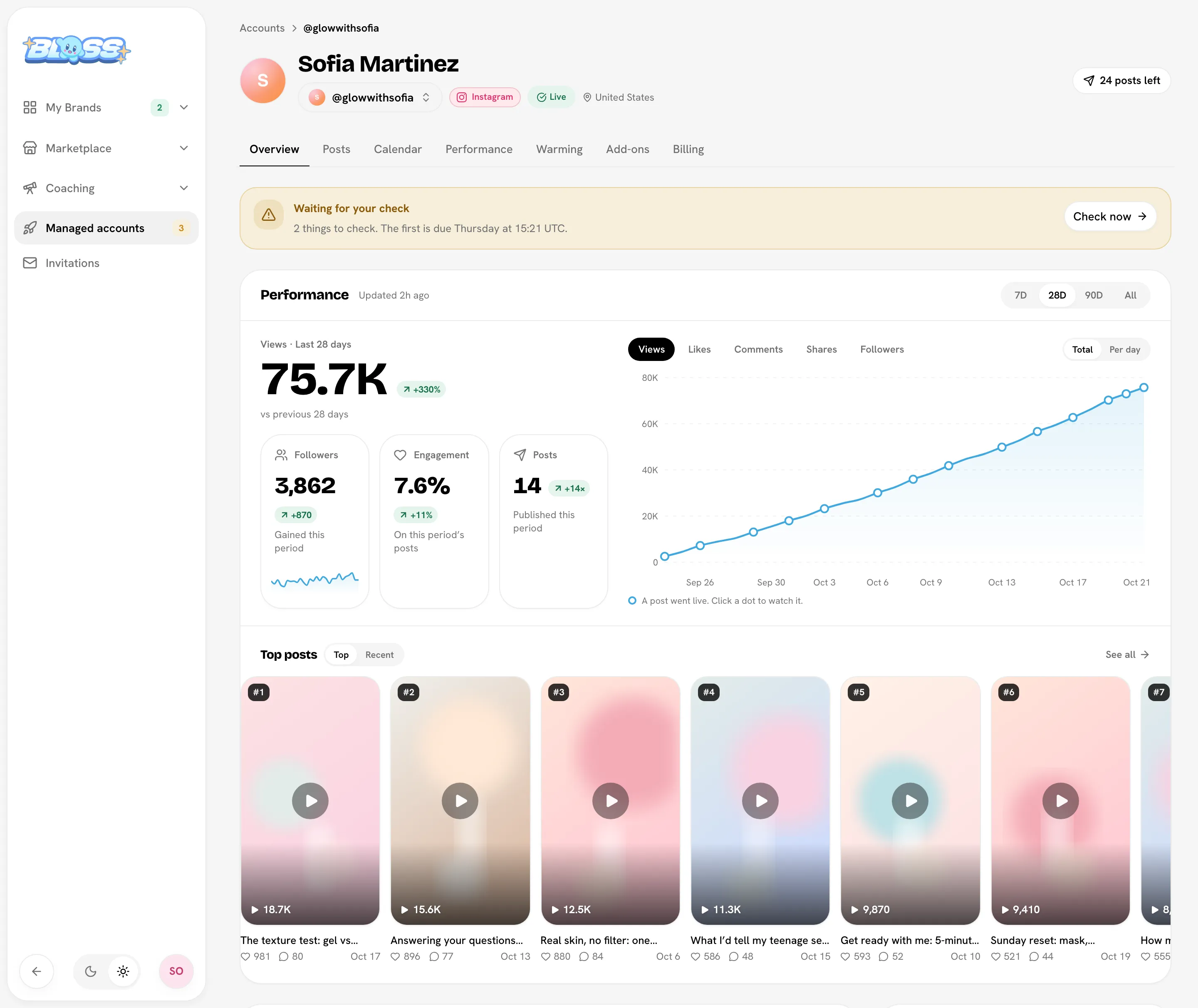
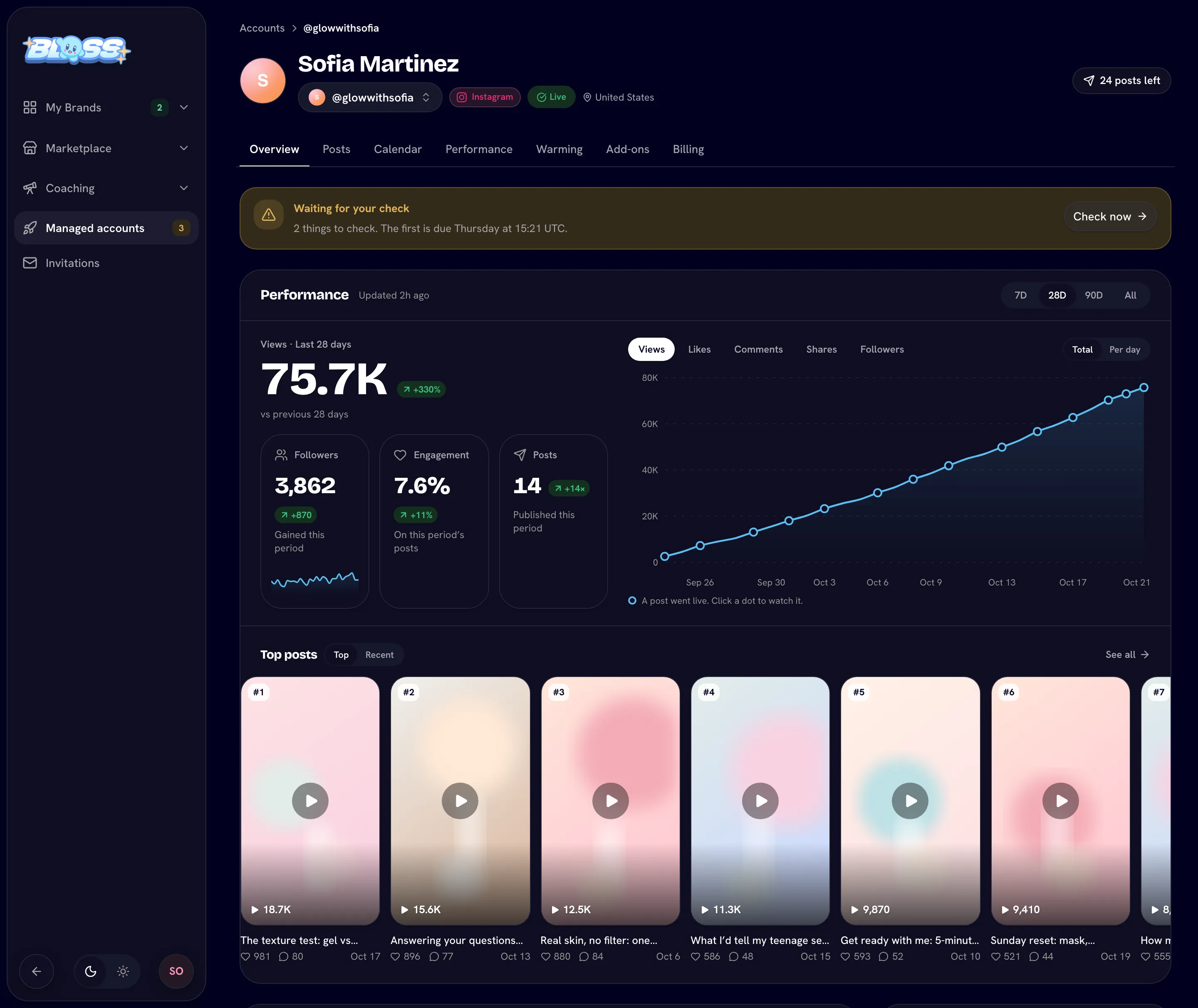
An account's Overview leads with how it's doing: views for the period (7, 28 or 90 days, or all) and the change from the period before, followers, engagement and posts, and a trend line where each dot is a post that went live. Under it, Top posts plays your best videos right on the page. Coming up shows your next posts, and the header shows how many posts the account has left.
What this isn't
It's not a bot or automation: a person does every action. You never receive the login; you control everything from Bloss. Nobody reads or answers direct messages, there are no live streams, and nobody can promise views, followers or sales.
In this section
Ordering an account
Buy an account and set it up.
Reviewing delivery
Approve the account or ask for a change.
Posting
Schedule posts and check them.
Warming & Engage
How warmup works.
Performance
Stats and the downloadable report.
Plan, posts & balance
Your monthly plan, posts, packs and top-ups.
Billing & account states
Pause, resume, and every account status.
FAQ
Common questions.
Last reviewed Oct 22, 2026