
Warming & Engage
How warmup sessions establish your managed account, how to follow them, and how to add more.
A brand-new account that starts posting on day one looks like spam. Warmup is normal activity in your topics, done by a person from the account, so it looks established before its first post.
How warmup works
For each of your topics, a person searches it from the account, watches matching videos, and likes, saves and comments the way a real viewer would. Warmup runs in sessions of 3 topics. Every new account gets 3 warmup sessions (9 topics); Express accounts get 1 session (3 topics). Each topic comes with a recording as proof.
Your first posts go out once warmup finishes.
Follow warmup
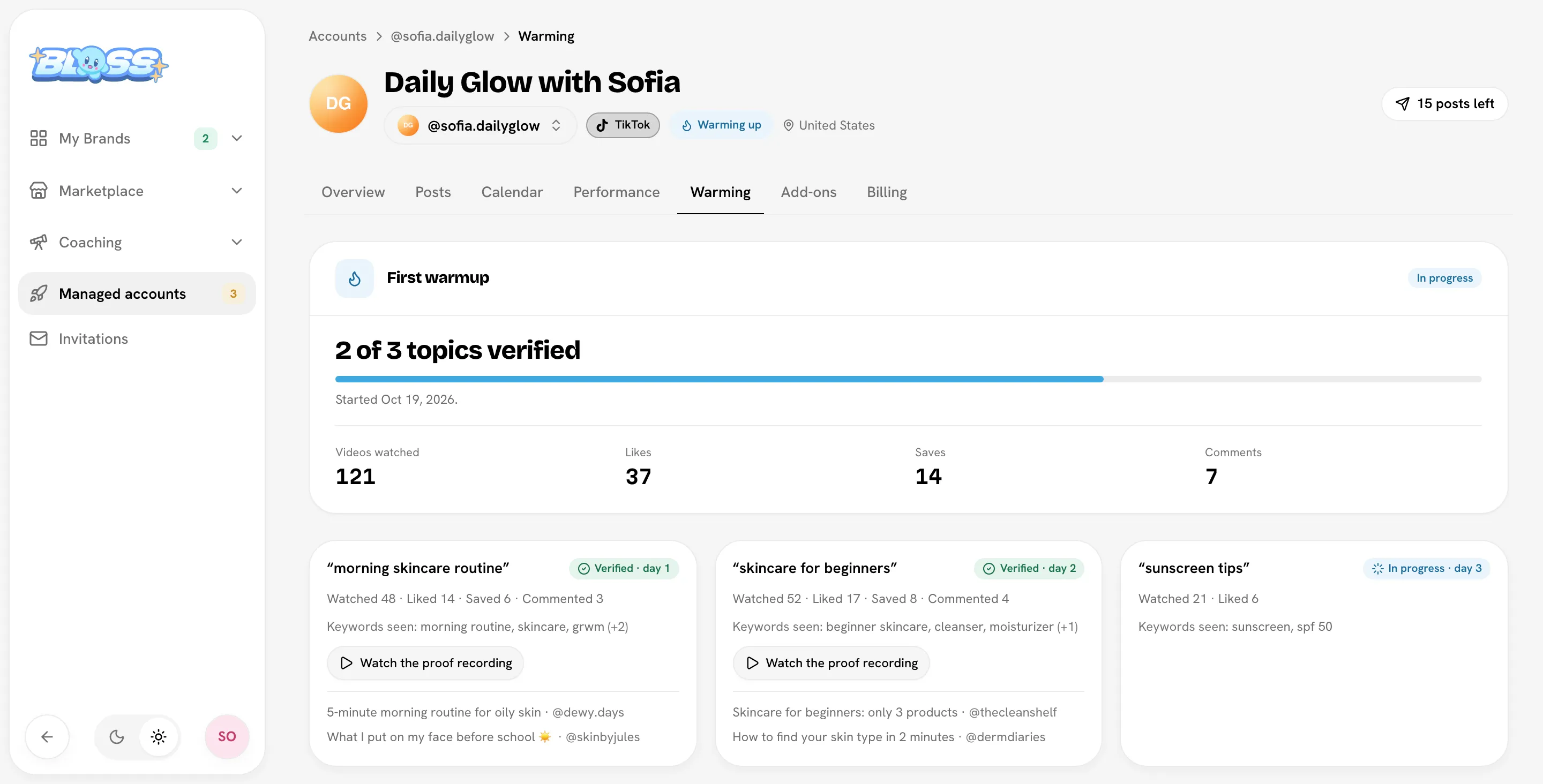
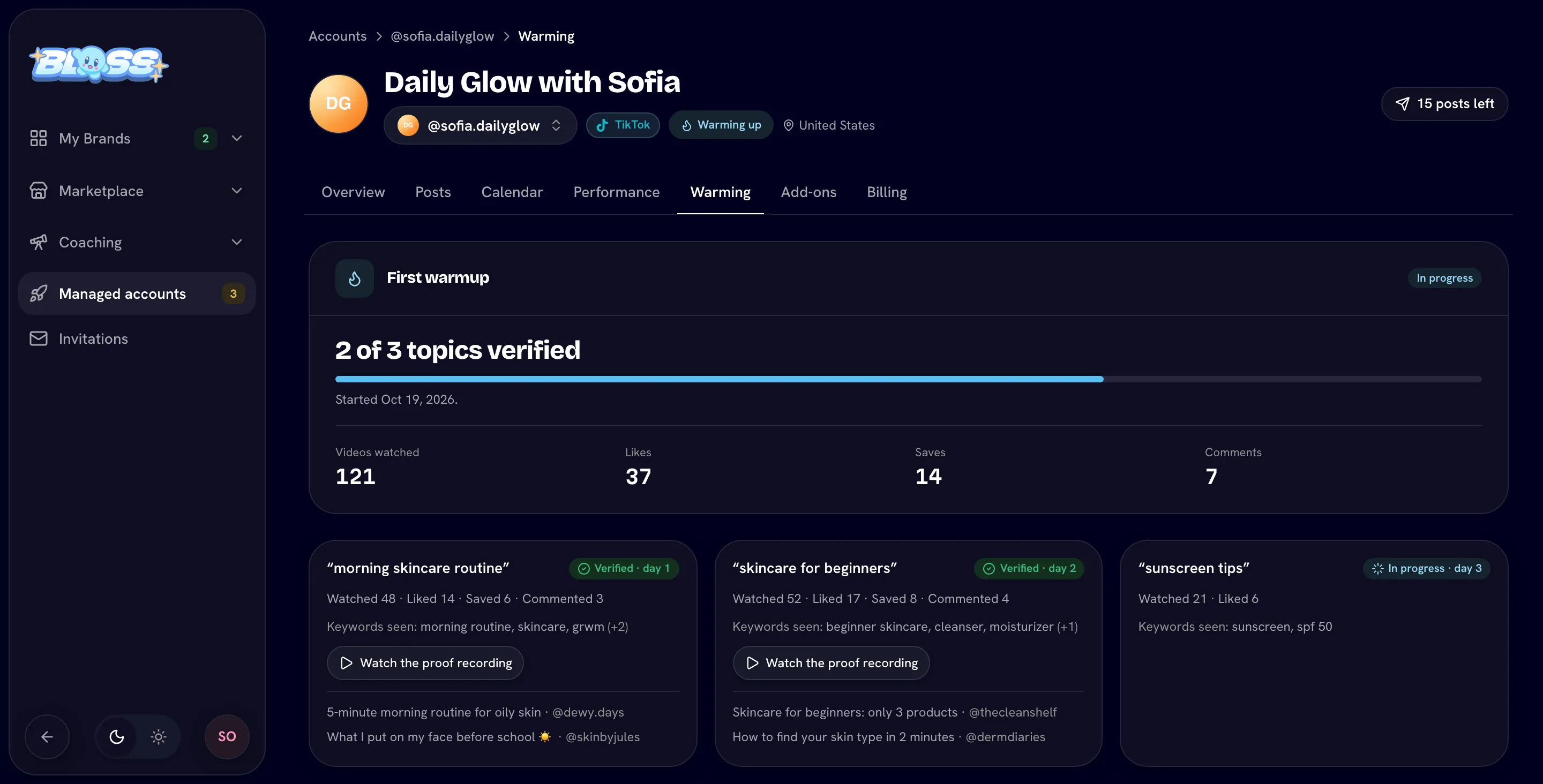
Open the account's Warming tab. Each run shows its status (Scheduled, In progress, Finished, Finished, not all verified or Stopped early) and totals for videos watched, likes, saves and comments.
Each topic shows what was done (Watched, Liked, Saved, Commented) and its status: Waiting, In progress, Verified or Needs attention. Click Watch the proof recording to see it.
Add more warmup
Accounts that have gone quiet or were paused can be warmed up again. Once a warmup has finished, the Warming tab offers More warmup sessions: click Add warmup sessions, or add them from the Add-ons tab.
You can add 1 warmup session (3 topics) or 3 warmup sessions (9 topics). Current prices are on Managed accountsPricing.
Warmup is paid from the account's balance. Only one warming run can go at a time.
Engage
Engage (comments and replies posted from your account) has its own Engage tab. If you don't see the tab, Engage isn't available on your account.
Related
Last reviewed Oct 22, 2026