
Embed widget
Add a live card with your follower counts and brands to your own website or link-in-bio page.
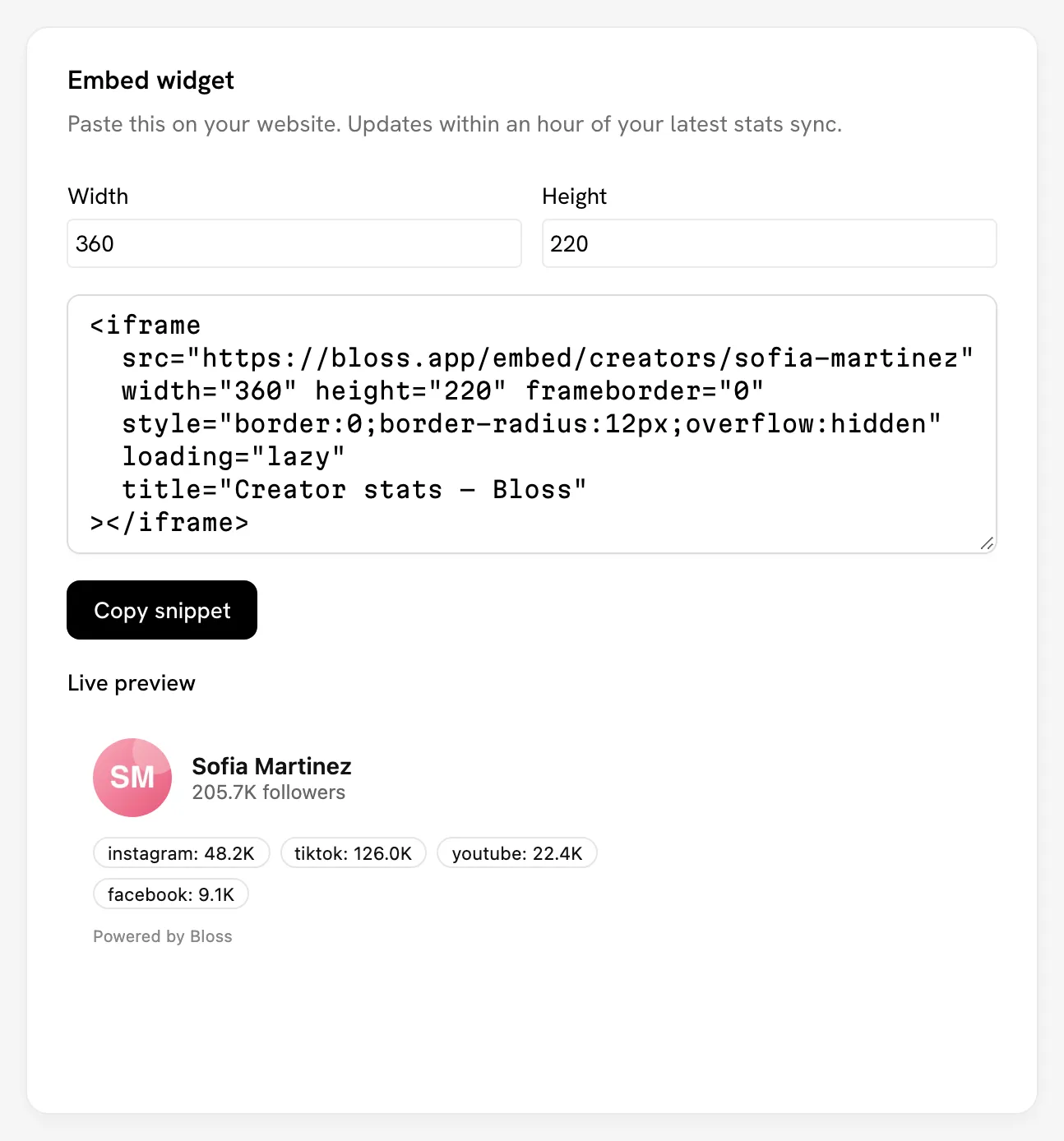
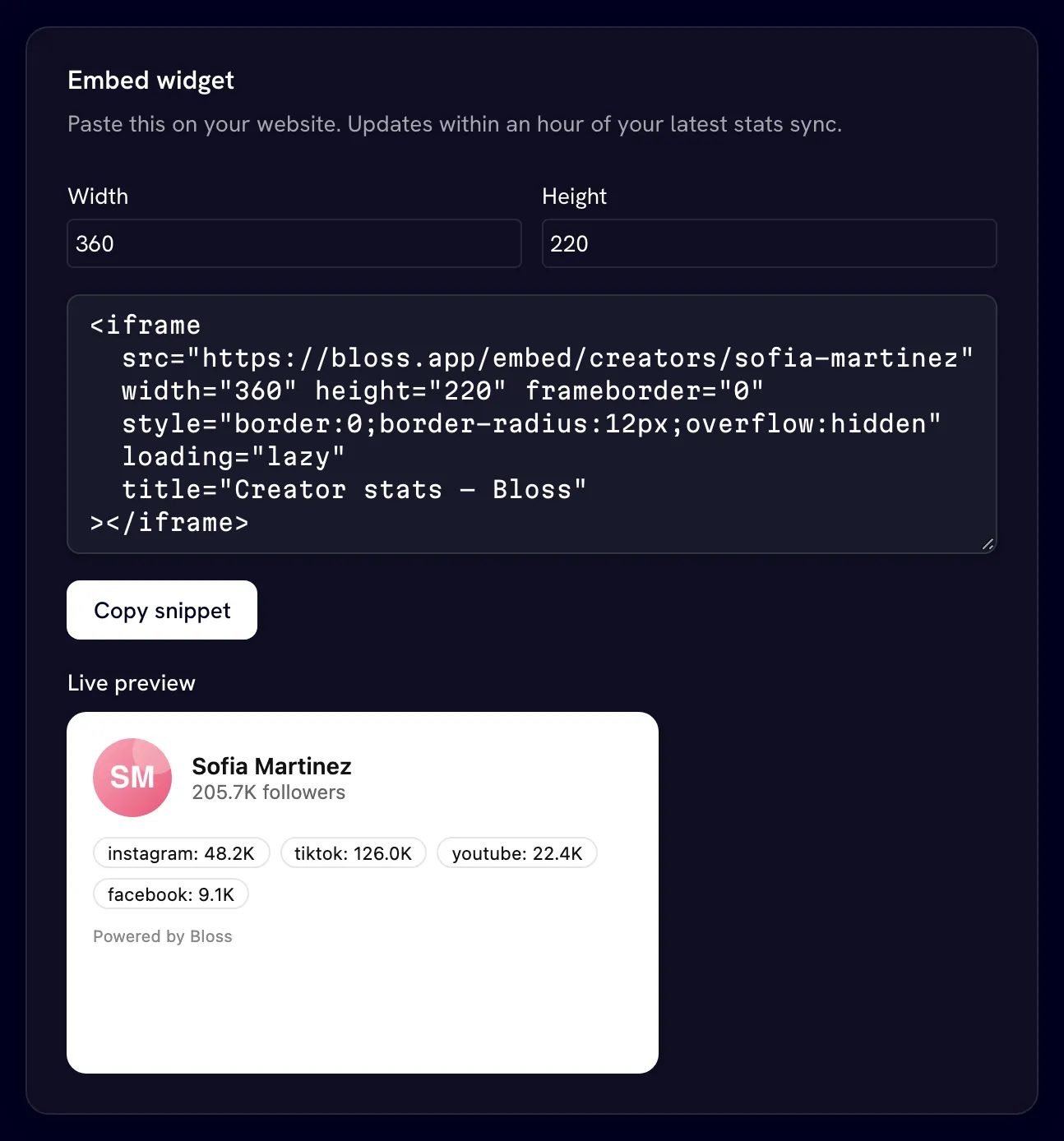
The embed widget is a small card you can put on your own website. It shows your avatar, name, total followers, followers per platform and up to three brands you work with, with a Powered by Bloss link to your marketplace profile.
Open it from Embed Widget in any brand portal, or go to bloss.app/creator/marketplace/widget.
Your profile must be public
The widget only works while your marketplace profile is a Public listing. If it's unlisted or suspended, the page says Make your profile public to enable the widget, and widgets already on your site stop showing.
Add it to your site
- Set the Width and Height in pixels. The default is 360 × 220.
- Check the Live preview.
- Click Copy snippet and paste it into your site's HTML.
The snippet is an iframe, like this:
<iframe
  src="https://bloss.app/embed/creators/your-slug"
  width="360"
  height="220"
  frameborder="0"
  style="border:0;border-radius:12px;overflow:hidden"
  loading="lazy"
  title="Creator stats — Bloss"
></iframe>
Copy your own snippet from the page rather than this example, so it has your slug.
How fresh the numbers are
The widget updates within about an hour of your latest stats sync. Changes to your profile can also take up to an hour to show.
Changing your profile URL breaks the widget
The widget is tied to your profile slug. If you change your slug, embeds using the old one stop working. Copy the new snippet and replace it on your site.
Related
Last reviewed Oct 12, 2026