
Your marketplace profile
Set up the public profile brands see in the Bloss creator directory, covering every field, your profile URL, pinned videos and reviews, and who can see it.
Your marketplace profile is your public creator page in the Bloss marketplace, the directory brands browse to find creators. One profile covers you across every brand. It lives at bloss.app/marketplace/@your-slug.
Open it from the main sidebar at MarketplaceMy Profile, or from Marketplace Profile in any brand portal. Make your changes, then click Save changes.
Open your marketplace profile
Visibility
The Visibility card controls whether brands can find you.
| Status | What it means |
|---|---|
| Public listing | Visible in the creator directory. |
| Unlisted | Hidden from the directory. Only you can see your profile page, and your embed widget is turned off. |
| Listing not yet eligible | Add a display name and at least one Instagram, TikTok or YouTube handle. Your profile goes public automatically once you do. |
| Listing suspended | Your profile is hidden from the directory, and you can't change its visibility yourself. Contact Bloss support at support@bloss.app to appeal. |
Switch between Public listing and Unlisted at any time.
If you work with a coach, Show coach badges adds a "Coached by" badge for each coach to your profile and directory card. See Working with a coach.
Profile media
Pick your avatar from your library (Bloss saves the profile pictures from your connected socials there), or click Upload new. Images can be PNG, JPG or WebP, up to 8 MB, and are resized to 300×300.
Profile details
| Field | Notes |
|---|---|
| Display name | The name brands see. |
| Location | City and country. |
| Bio | What you create and who for. Aim for 500 characters or less; the counter turns red past that. |
Social accounts
Add your Instagram, TikTok and YouTube handles and your Facebook page URL. You need at least one Instagram, TikTok or YouTube handle to be listed. Bloss checks each handle exists before saving, then keeps your follower counts and engagement up to date automatically.
These are your marketplace handles. Each brand you create for has its own handles, set in that brand's portal. See Connecting your social accounts.
About you
| Field | Options |
|---|---|
| UGC experience | Brand new, Some experience, Pro |
| UGC goal | Side hustle, Full-time creator, Just exploring |
| Niches | Up to 5: Beauty, Fashion, Tech, Food, Fitness, Lifestyle, Travel, Home, Pets, Gaming, Health, Education, Productivity, Finance, Parenting |
| Content types | UGC Video, UGC Photo, Testimonial, Unboxing, Tutorial, Review, How-To |
| Languages | The languages you create in |
If experience, goal or social handles are missing, your dashboard shows a Make your marketplace profile complete banner.
Videos and reviews
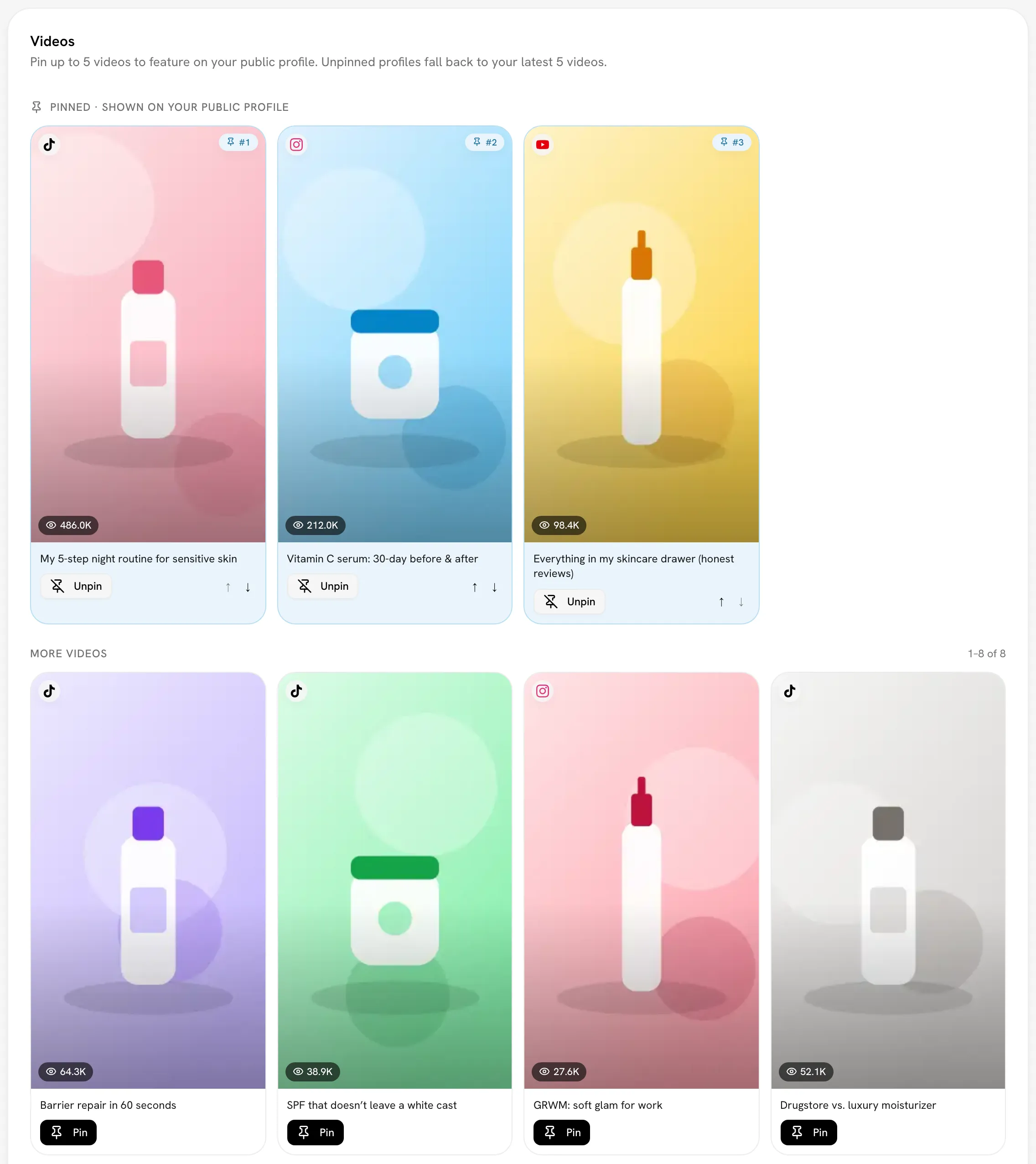
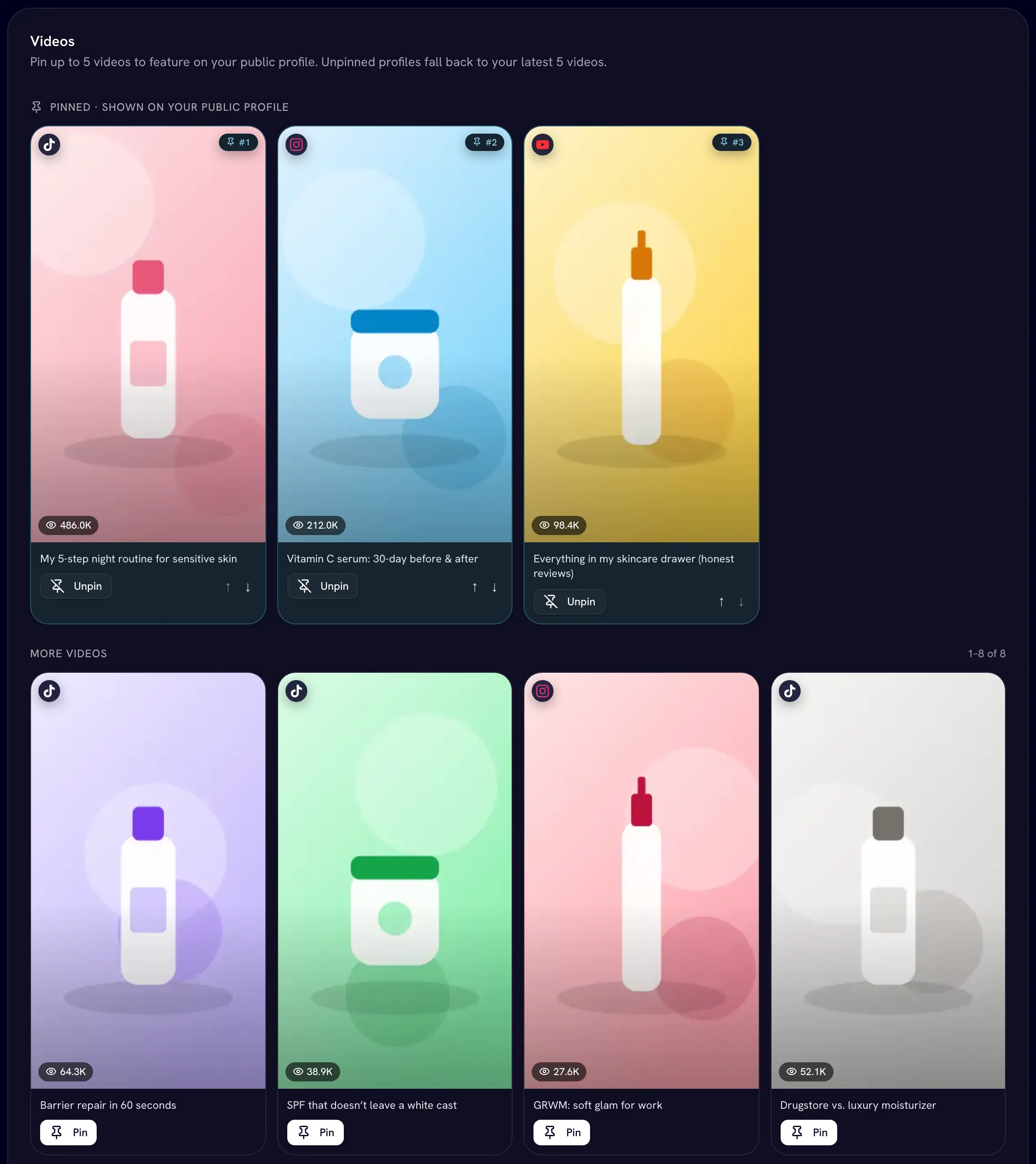
- Videos: pin up to 5 videos to feature on your profile. Click Pin, reorder with the arrows, then Save pins. If you don't pin any, your profile shows your latest 5.
- Reviews: brands you've worked with can leave you a review with a star rating. Pin up to 5 to feature. You can't edit or hide reviews.
Your profile URL
Under Profile URL, choose the slug in bloss.app/marketplace/@your-slug. It must be 3–30 characters of lowercase letters, numbers and hyphens, starting with a letter. Bloss tells you whether it's Available. Click Copy profile URL to share it.
Changing your slug breaks old links
Changing your slug breaks existing widget embeds and shared links. The old URL stops working. Update your embed code and any links you've shared afterwards.
What brands see
- Signed-out visitors see only your avatar, a placeholder name and your niche, content type, experience, goal and language chips. Everything else asks them to sign in.
- Signed-in brands also see your name, location, rating, bio, and headline stats: Followers, Total Views, Videos and Engagement. They also see followers and engagement per platform, your pinned videos, your pinned reviews (What brands say), the Brands you work with, and your latest videos.
Your handles, earnings and detailed analytics aren't shown publicly. Use Preview on your dashboard to see your profile the way brands do.
The Brands section shows your personal brands. Brands you work with on Bloss can appear there too when the brand allows it.
Related
Last reviewed Oct 13, 2026
Use your data with AI agents
Connect an AI agent such as Claude to your Bloss data and ask it about your earnings, payouts, videos, views and bounties. Free for every creator.
Claiming an unclaimed profile
Take over a marketplace profile that was created for you, either with a claim link from a brand or by sending a claim request.