
Your creator dashboard
See your stats across every brand in one place, add personal brands, and open any brand's details.
Your creator dashboard is your home in Bloss. It adds up your stats from every brand you work with and your own socials, so you can see how you're doing overall. Open it from the main sidebar: MarketplaceDashboard.
Open your dashboardDashboard vs brand portal
This dashboard covers all your brands. Each brand you create for also has its own creator portal, where you see that brand's videos and payouts and change your settings for it. Find your brands under My Brands in the main sidebar.
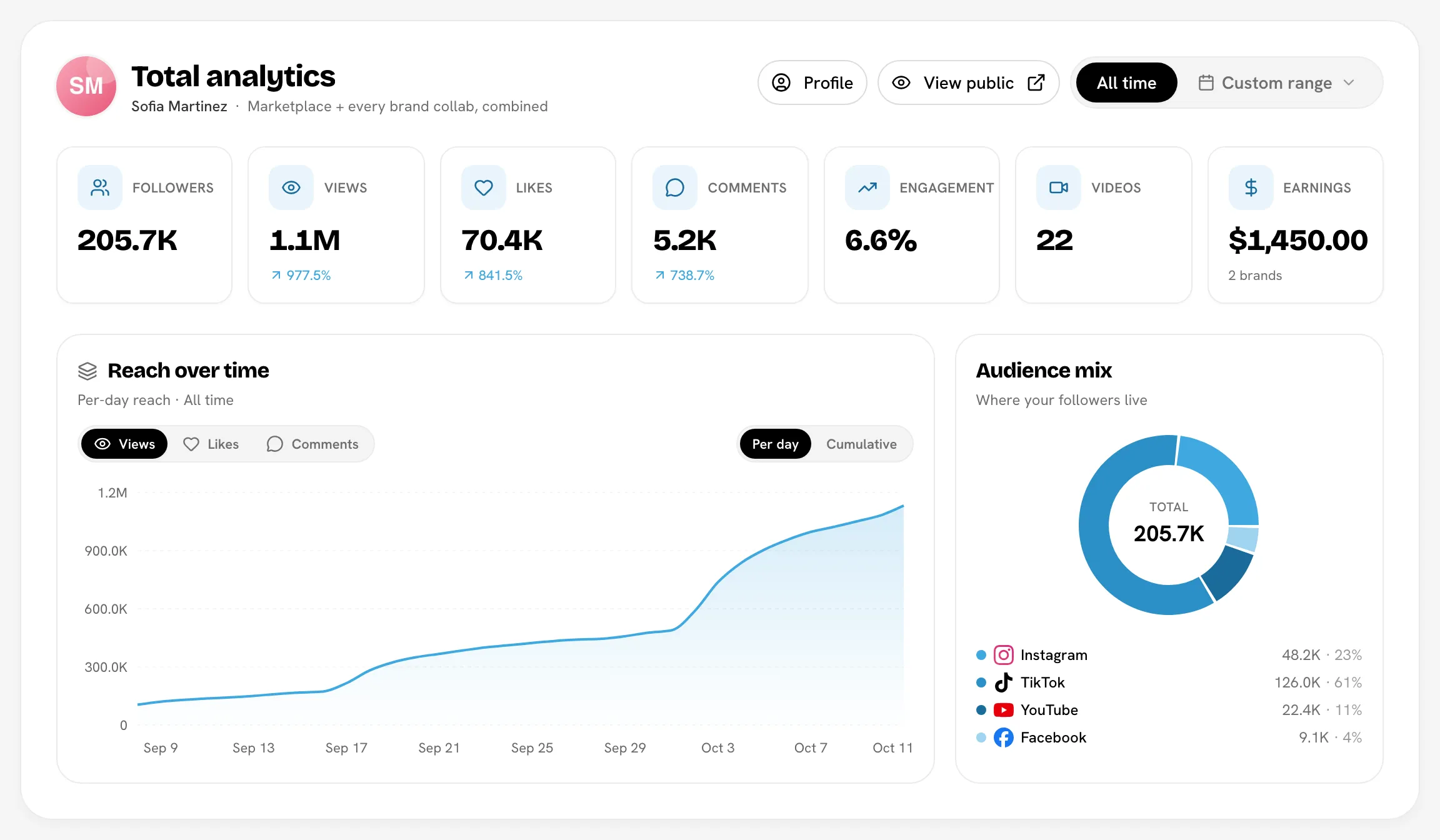
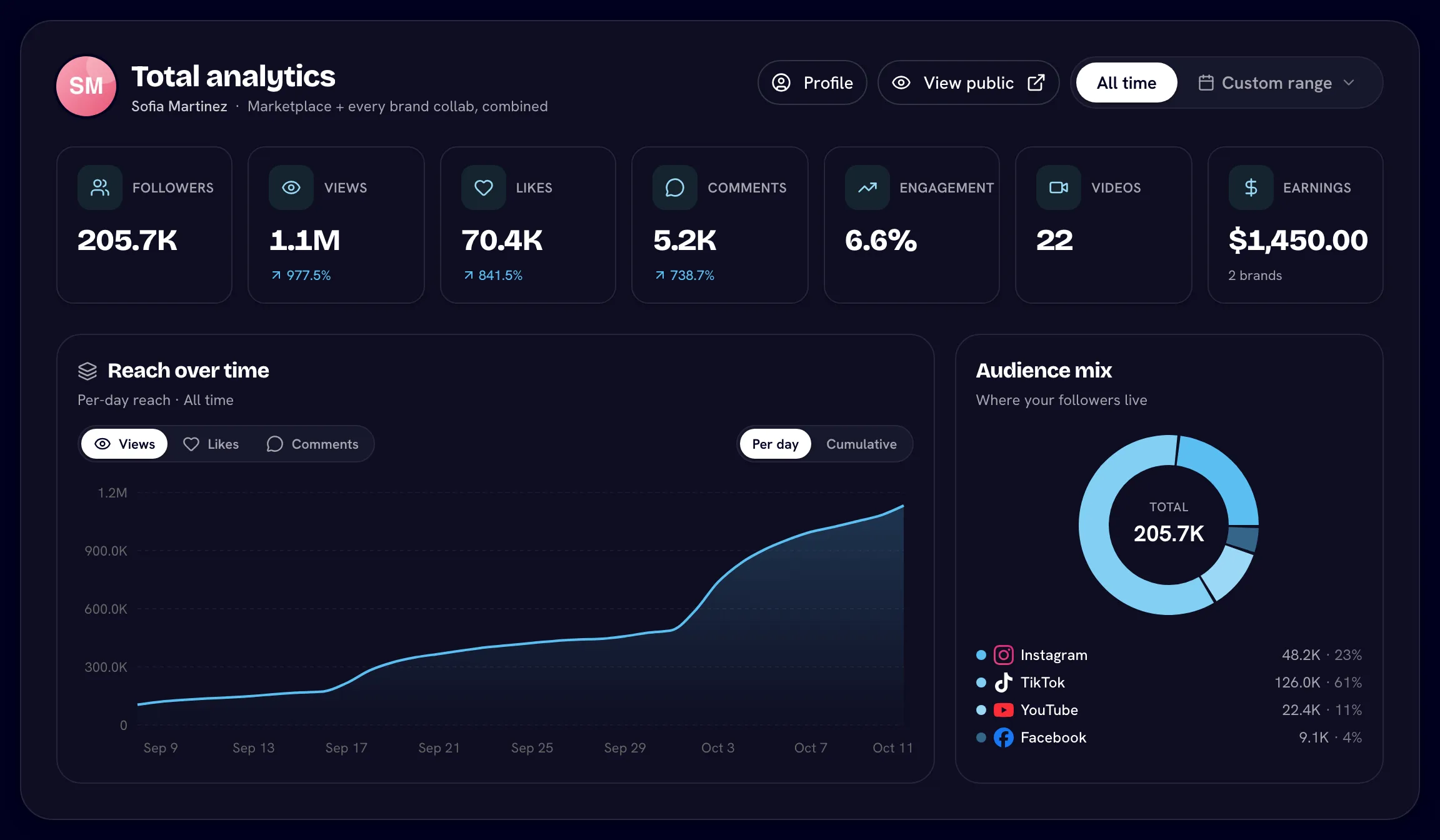
Total analytics
The top panel, Total analytics, combines your marketplace profile and every brand collab.
| Tile | What it shows |
|---|---|
| Followers | Your followers across connected accounts |
| Views, Likes, Comments | Totals for your tracked videos |
| Engagement | Your engagement rate |
| Videos | How many videos are tracked |
| Earnings | What you've earned from brands that pay you through Bloss |
Below the tiles, Reach over time charts your views, likes or comments (Per day or Cumulative), and Audience mix shows where your followers are, by platform.
Use the date picker at the top right to switch between All time and a Custom range. Quick picks go from Last 7 days to Last 90 days.
New charts fill in over the first day or so, as Bloss takes daily snapshots of your stats.
The Profile button opens your marketplace profile. Preview (or View public once your profile is listed) shows your public profile the way brands see it.
Your brands
Your brands lists everything you post for, as cards:
| Card | What it is |
|---|---|
| Primary | Built from the socials on your marketplace profile. It can't be removed; use Edit profile to change its socials. |
| Personal brands | Sets of your own socials that you add yourself, for example a second niche account. |
| Managed by Bloss | Brands you create for through Bloss. These are read-only here and show your Earnings. |
Click a card to open its detail page with reach over time, followers by platform, a per-platform breakdown and recent videos. On a brand you create for, View campaign takes you to that brand's creator portal.
Add a personal brand
A personal brand is a group of your own socials that isn't tied to any brand campaign. Use it to track your own channels alongside your brand work.
- Under Your brands, click Add personal brand.
- Enter a Brand name and at least one social: TikTok, Instagram, YouTube or Facebook (one of each at most). Facebook takes your page URL.
- Click Add brand. Bloss checks that each account exists before saving. Its stats appear after the first refresh.
You can add up to 5 personal brands (your Primary card doesn't count). An account can only be in one of your brands. To change or delete one, use the card's menu: Edit or Remove. Removing a personal brand deletes its tracked stats but doesn't affect any brand you create for.
Refresh personal brand stats
Personal brands refresh automatically about once a day. To refresh sooner, click Refresh. Each personal brand can be refreshed 3 times a day; the button shows how many refreshes you have left. Your profile and the brands you create for update on their own.
Cross-brand insights
Cross-brand insights shows your whole portfolio in one place:
- Views performance: reach over time across every brand.
- Audience growth: total followers across every brand.
- Posts by brand: how many videos are tracked for each brand.
- Recent activity: highlights such as your top brand and total views.
Top performing videos
At the bottom, Top by views and Top by engagement list your best videos across everything Bloss tracks.
Banners you might see
| Banner | What to do |
|---|---|
| Your application to Brand is under review | Nothing yet. Click View status to check on it. See Joining a brand. |
| Make your marketplace profile complete | Add the missing details so brands can find you. See Your marketplace profile. |
Related
Last reviewed Oct 12, 2026