
Creators Hub
See how the whole creator team is doing, including leaderboards, top videos and team stats, when the brand shares them.
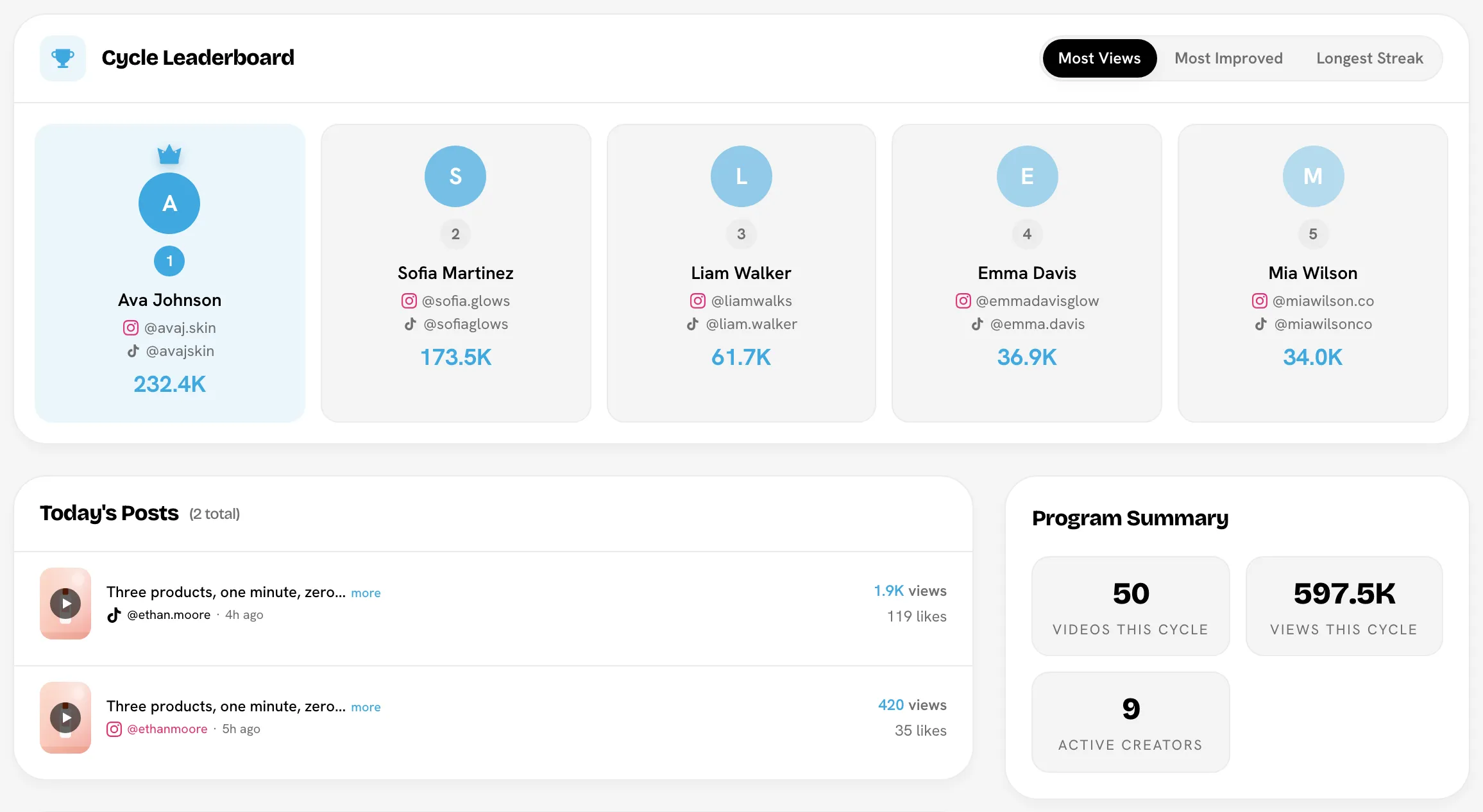
The Creators Hub is the brand's team dashboard. It shows how the whole creator program is doing: total views, leaderboards, top videos and the latest posts. Use it to see where you rank and what's working for other creators.
Go to Creator PortalCreators Hub. The page itself is titled Creator Hub.
Open the Creators HubDon't see it?
Brands can keep team stats private. If the brand has hidden brand-wide stats from creators, Creators Hub doesn't appear in your sidebar.
What's on it
- Team stats for the selected period, such as videos, views and active creators.
- Team momentum and Program Analytics charts.
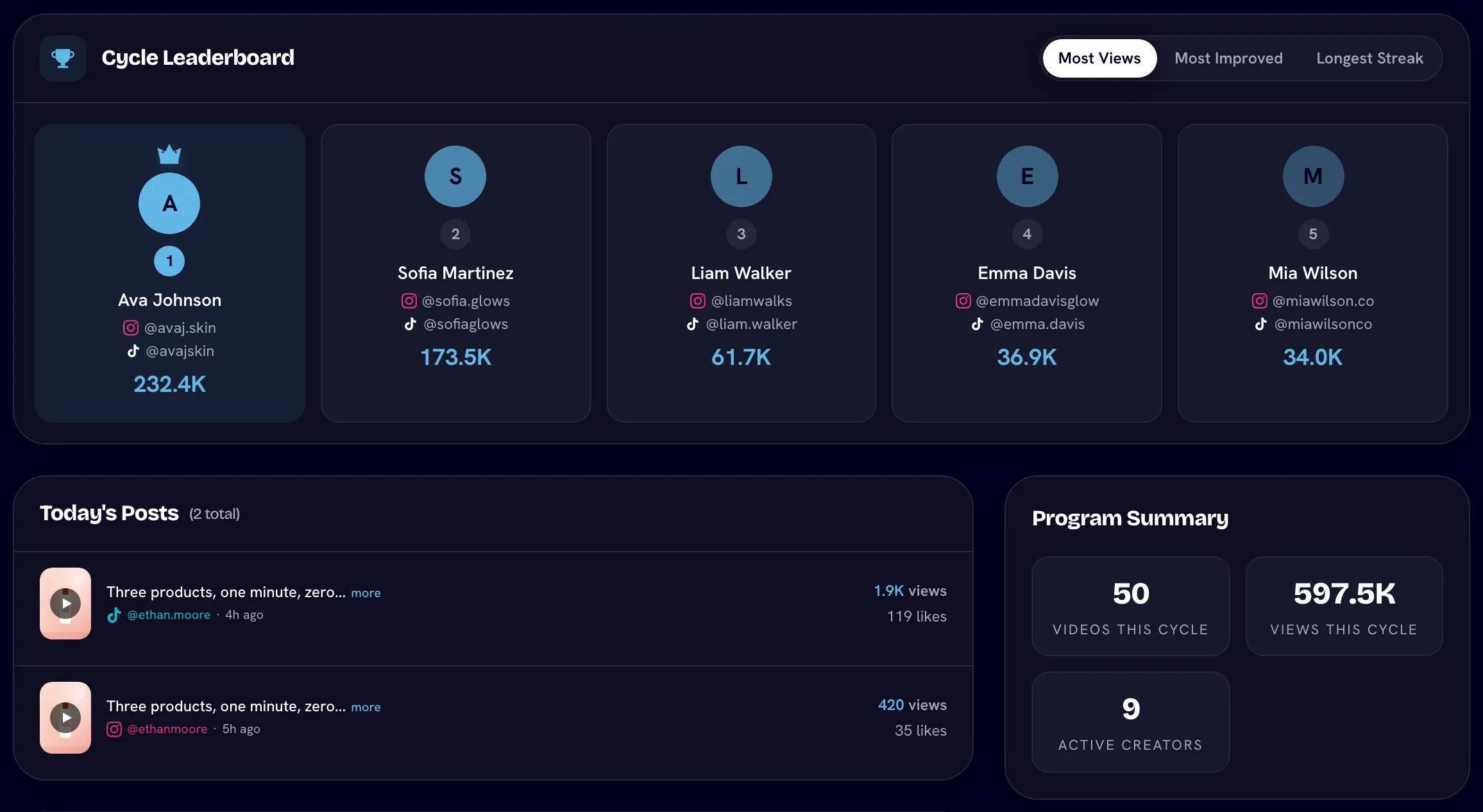
- Leaderboards: Most Views, Most Improved and Longest Streak for a cycle or date range, or Most Views and Most Videos for all time.
- Posts: today's posts, or the latest posts in the cycle or range.
- Top videos and top accounts.
- The Bounty Board and the Streak Survivor game, if the brand runs them.
- A table of every creator with their status, socials, videos and views.
Use the controls at the top to switch between the current cycle, all time or a custom range, and to filter by platform, tag or group. Other creators' payouts aren't shown to you.
Related
Last reviewed Oct 12, 2026