
Referrals
Share your invite link to bring other creators to a brand, and see the referral rewards you've earned.
Some brands pay you a flat bonus for bringing in new creators. You share your invite link, and when someone joins through it and becomes a full member, you earn the brand's referral reward.
Find your invite link
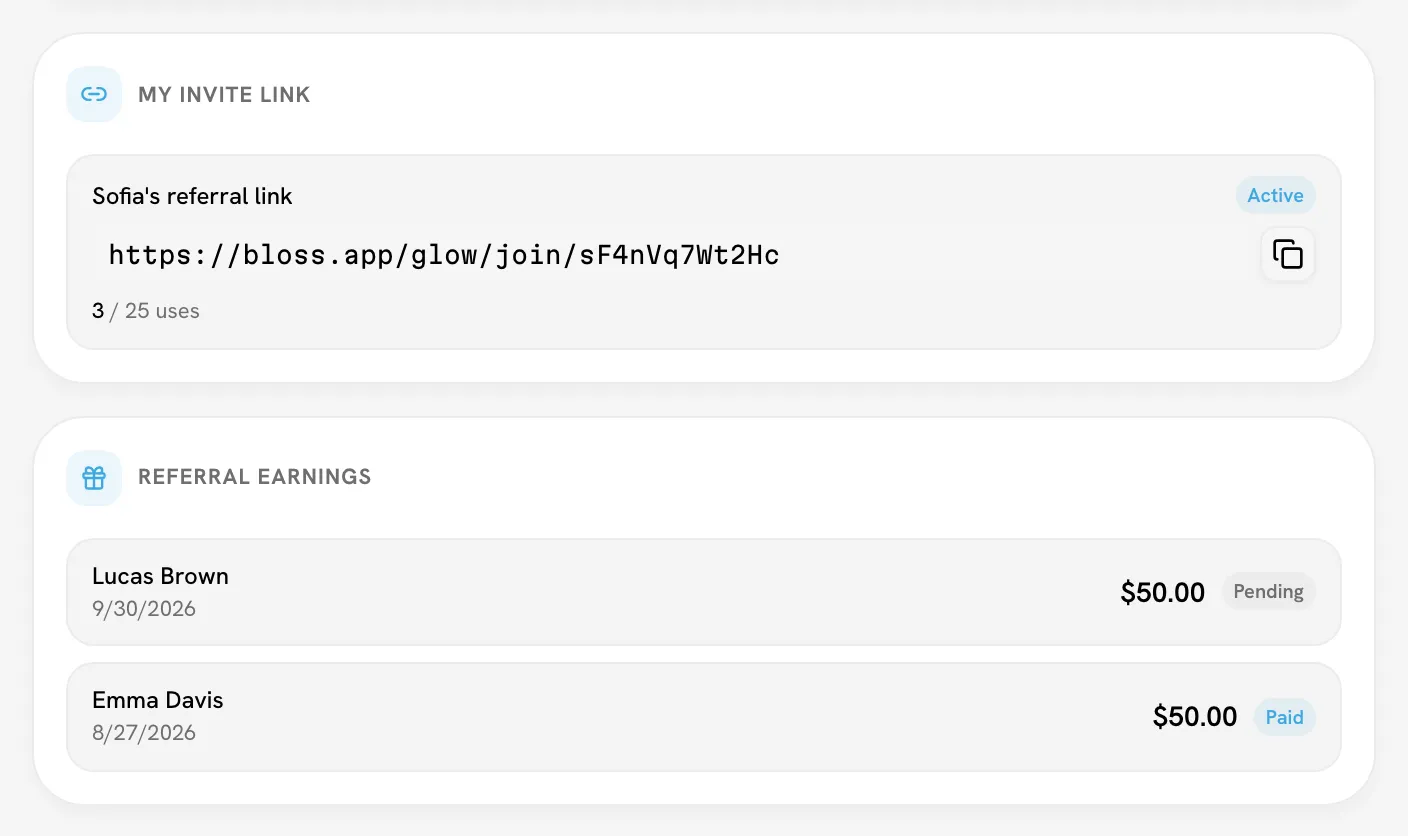
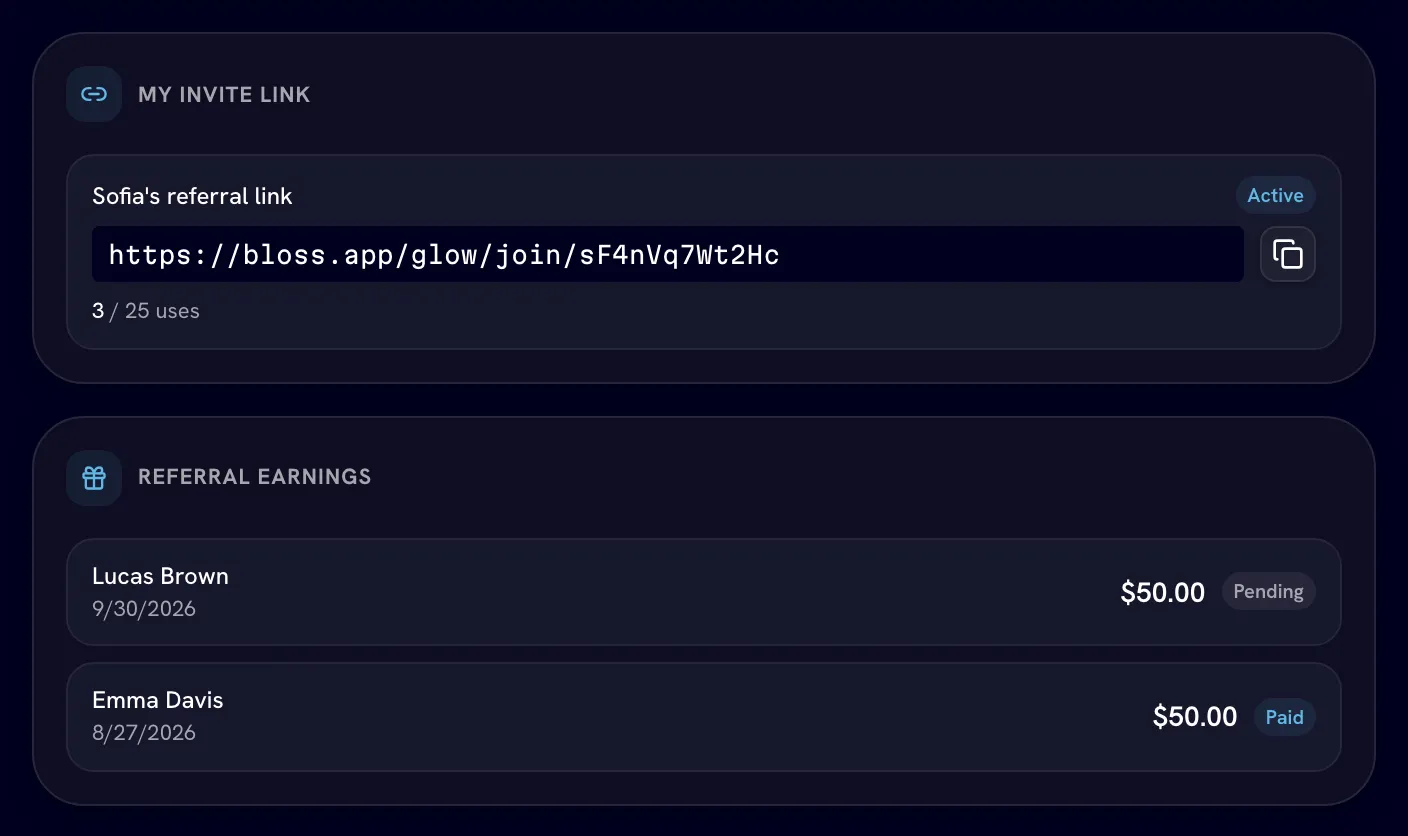
On the brand's portal Dashboard, look for the My Invite Link card.
- Find the link with the Active badge.
- Click Copy link and share it.
The card also shows how many times the link has been used and when it expires. Invite links are set up by the brand, so if you see Your admin hasn't assigned an invite link to you yet., ask the brand for one.
| Badge | What it means |
|---|---|
| Active | Ready to share. |
| Inactive | The brand turned it off. |
| Expired | Past its expiry date. |
| Maxed | It's been used as many times as the brand allowed. |
How rewards work
Turn on in Settings Referral rewards only apply when the brand has turned on its Referral Bonus. The brand sets the amount.
- You earn the reward once per creator who joins through your link.
- It's earned when that creator becomes a full member. If the brand doesn't use trials, that's as soon as they join. If it does, it's when they pass their trial or the brand moves them out of it.
- Each reward shows in the Referral Earnings card as Pending until the brand pays it, then Paid.
The brand pays referral rewards separately from your cycle payouts, so they don't show in the totals on My Payouts.
Not seeing a reward?
Rewards only count for creators who joined through your link. If the brand doesn't run a referral bonus, the link still works for inviting people, but it doesn't pay a reward. Ask the brand if you're not sure.
Related
Last reviewed Oct 13, 2026