
Agency settings
Change your agency's name, workspace URL and logo, and transfer ownership.
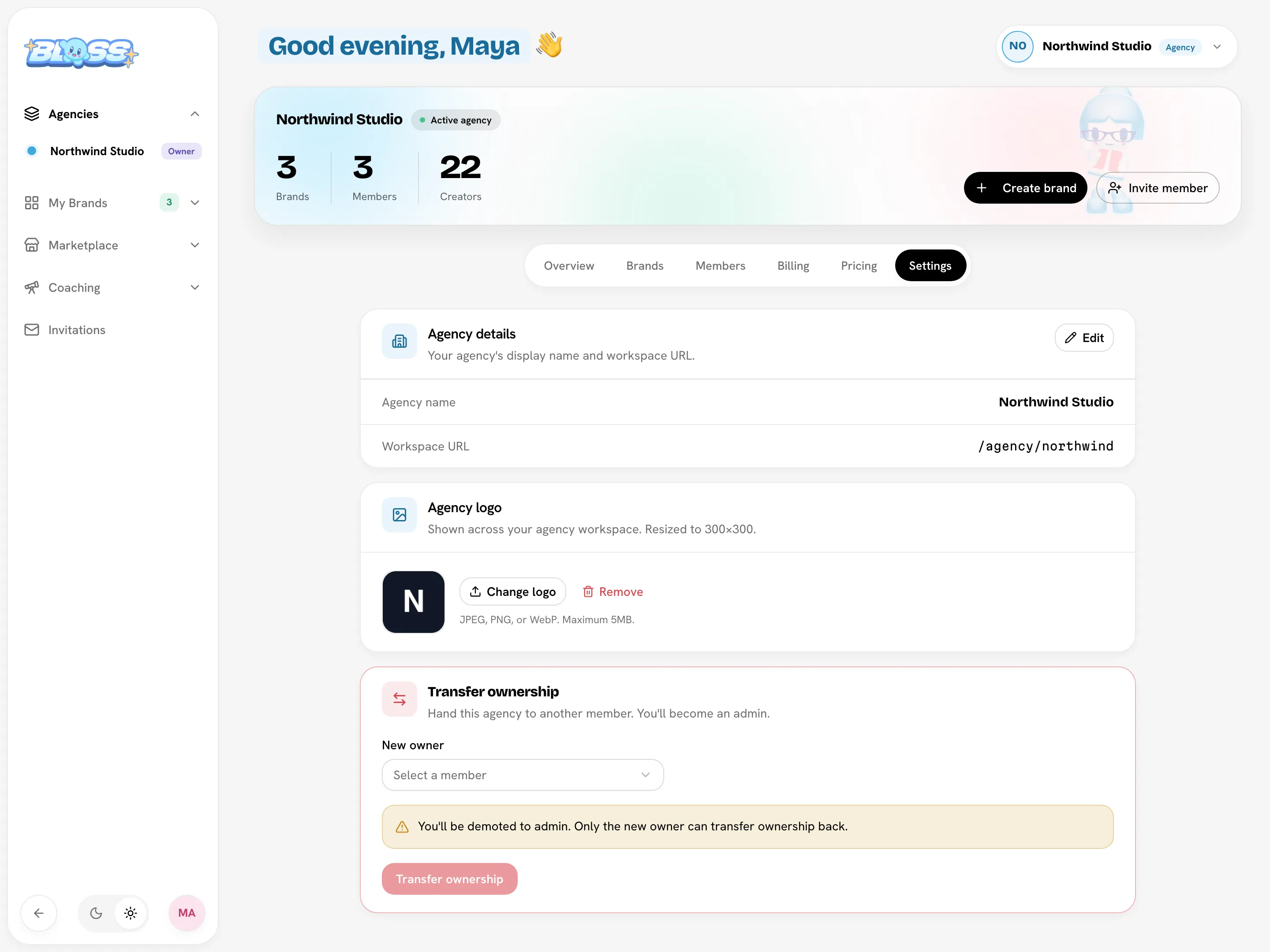
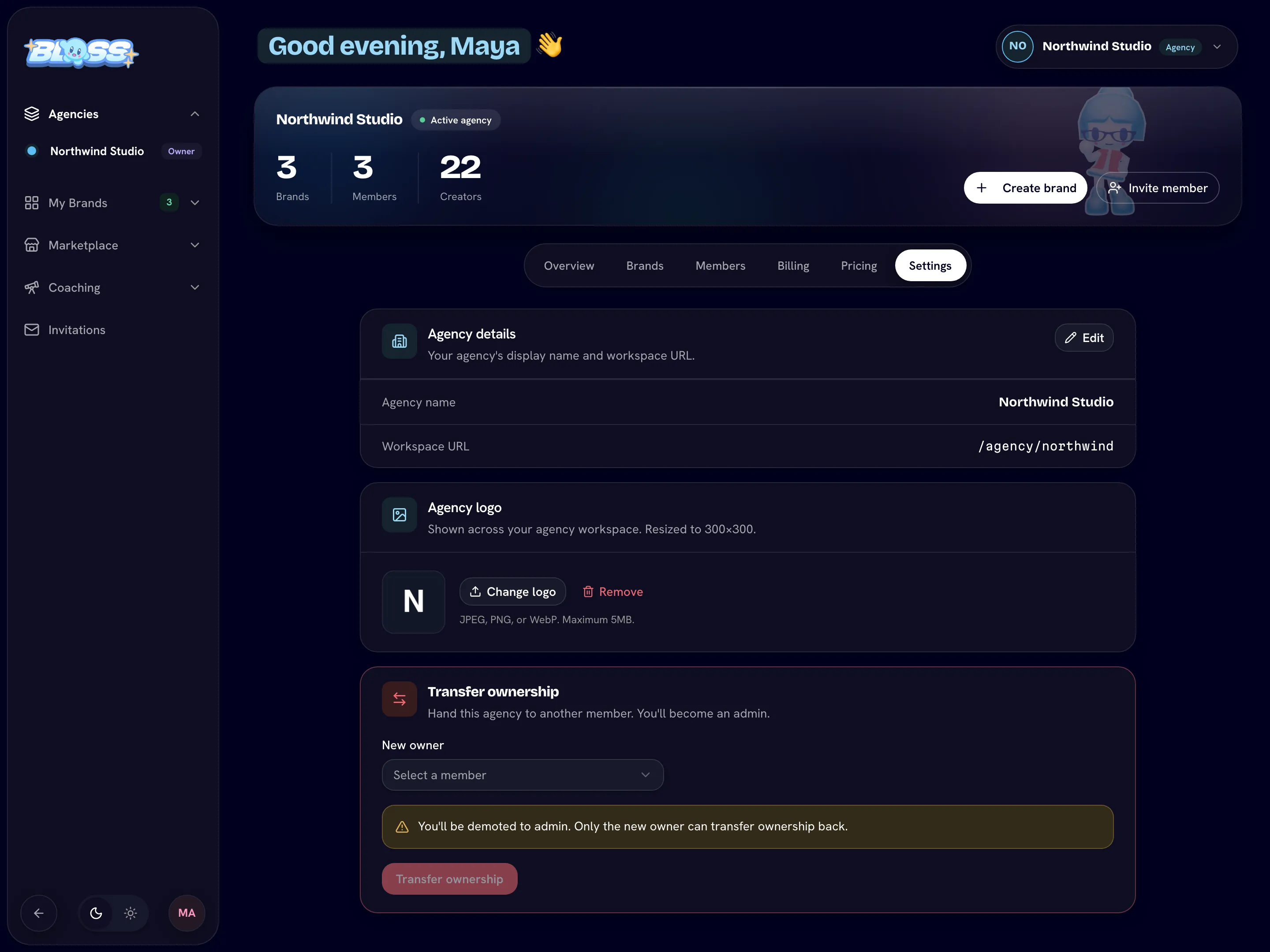
The agency Settings tab holds your agency's name, workspace URL and logo. Owners and admins can see it. The owner also sees Transfer ownership.
Open agency SettingsRename the agency or change its URL
Agency details shows the Agency name and Workspace URL (/agency/your-slug).
- Click Edit.
- In Edit Agency, change the Agency Name and, if you want, the Slug.
- Click Save Changes.
| Field | Rules |
|---|---|
| Agency Name | At least 2 characters. |
| Slug | At least 2 characters: lowercase letters, numbers and hyphens. It must not be used by another agency. |
Renaming can change your workspace URL
When you type a new name, Bloss suggests a matching slug. If you save it, your agency moves to the new URL and links or bookmarks to the old one stop working. To keep the current URL, put the old slug back before you save.
Brand addresses don't change when you change the agency's slug.
Add or change the logo
In Agency logo, click Upload logo (or Change logo) and choose an image. Use JPEG, PNG or WebP, up to 5 MB. Bloss resizes it to 300×300. To go back to initials, click Remove.
The logo is shown across your agency workspace.
Transfer ownership
Only the owner sees this card. Choose the New owner, click Transfer ownership and confirm with Yes, transfer. You become an admin, and only the new owner can transfer ownership back. See Members and access.
Related
Last reviewed Oct 12, 2026