
How agencies work
How an agency holds your brands, team and billing, what each agency role can do, and how to get an agency.

An agency is the workspace at the top of Bloss. It holds your brands, the people on your team and the subscriptions that keep each brand running. Whether you run one brand or many clients' brands, everything starts here.
Agency, brands and people
- An agency has one or more brands. Each brand is its own creator program, with its own creators, pay rules and payout cycles.
- Each brand has its own subscription, billed to the agency.
- Your team belongs to the agency. You then decide which brands each person can reach, and whether they're an admin or a creator there.
Getting an agency
The Bloss team sets up your agency and makes you its owner, using your email address. Sign in with that email address. If you don't know your password, use Forgot password? on the sign-in page.
If you were invited to someone else's agency, accept the invitation from Invitations (see Invitations).
Agency roles
Every agency has exactly one owner. Everyone else is an admin or a member.
| Role | What they can do |
|---|---|
| Owner | Everything an admin can do, plus billing and transferring ownership. |
| Admin | Create brands, invite and manage members, change agency settings, and act as an admin on every brand in the agency. |
| Member | See the agency and its brands. They can open only the brands they've been given access to. |
| Tab | Owner | Admin | Member |
|---|---|---|---|
| Overview | ✓ | ✓ | ✓ |
| Brands | ✓ | ✓ | ✓ |
| Members | ✓ | ✓ | ✓ (can't invite or see pending invitations) |
| Billing | ✓ | ||
| Pricing | ✓ | ✓ | ✓ |
| Settings | ✓ | ✓ |
See Members and access for inviting people and choosing their brand access.
Your agency workspace
Open your agency from Agencies in the main sidebar. The top of every tab shows your agency's brand, member and creator counts, with Create brand (owners and admins) and Invite member buttons.
The Overview tab shows:
- Needs attention (owner only): brands with a failed payment, complimentary access about to end, or no subscription, each with the button that fixes it.
- Monthly spend for the owner, or the plan mix for everyone else.
- Counts of brands, creators and members, and your Active plan.
- Your most recent brands and team members.
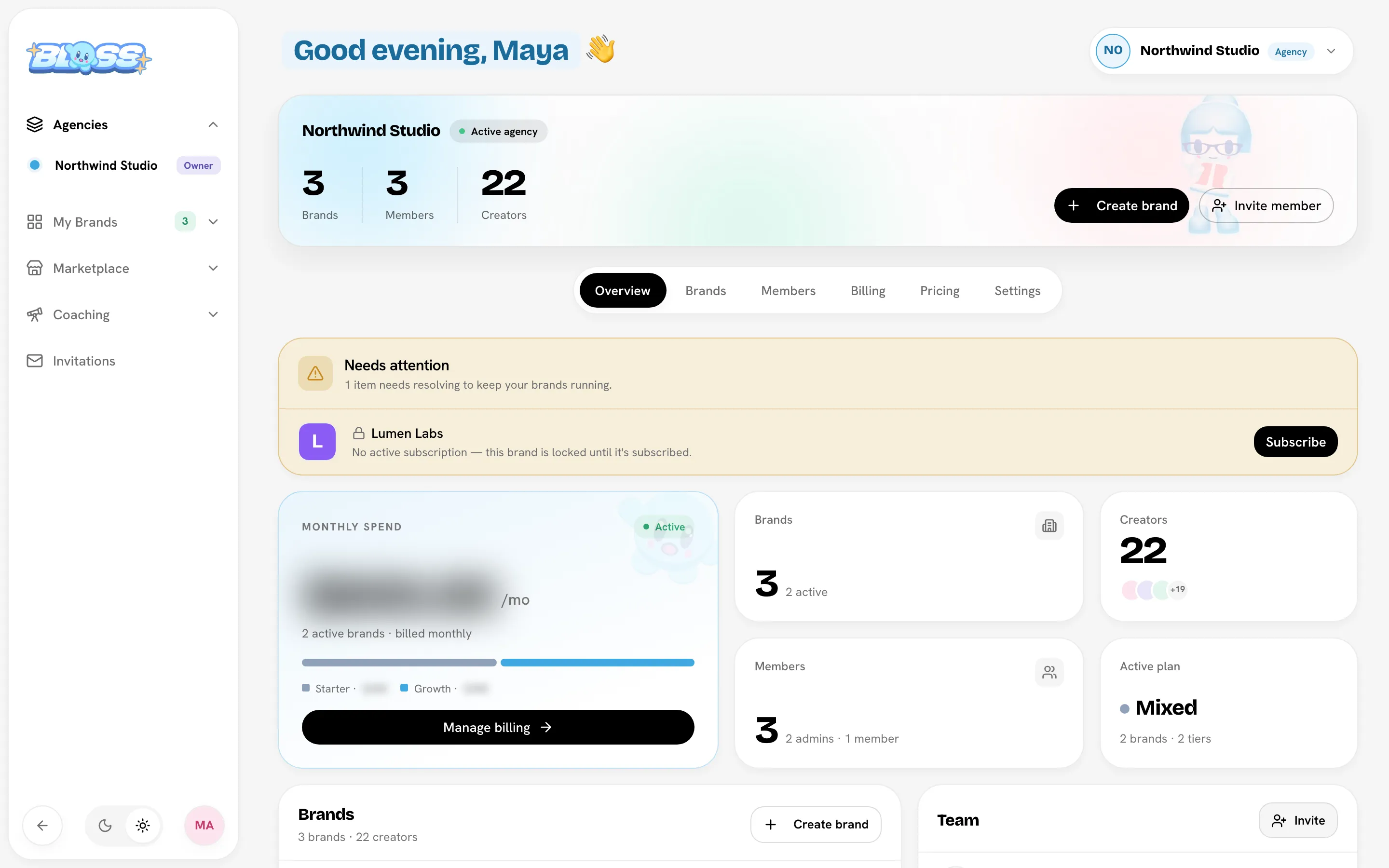
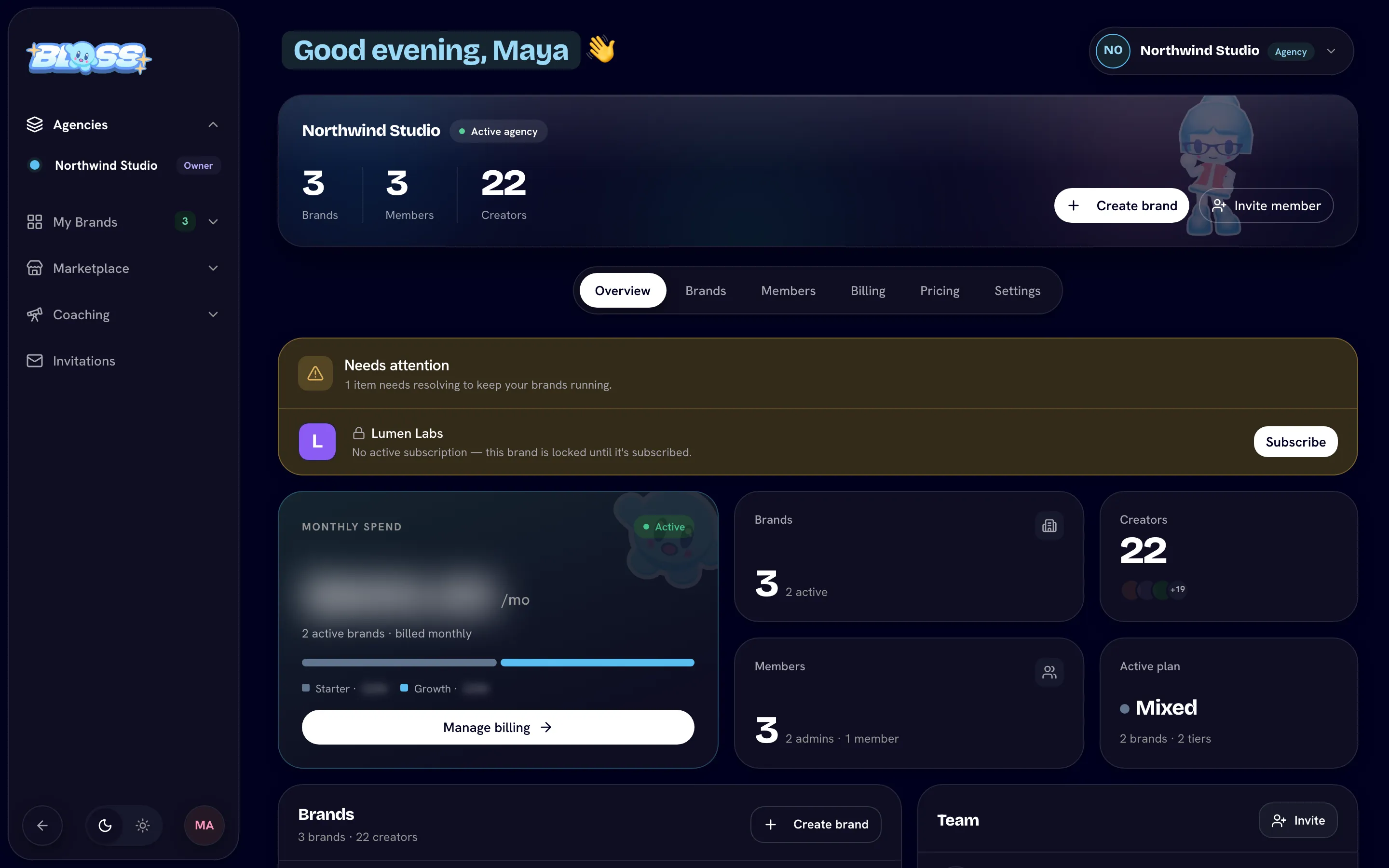
If you belong to more than one agency, click the agency name at the top right to see all of them.
Next steps
In this section
- Creating a brandCreate a new brand in your agency, choose its URL, and subscribe it now or later.
- Managing a brandSee each brand's plan and billing state, rename or delete a brand, manage who can reach it, and jump into its hubs.
- Members and accessInvite people to your agency, choose their role, give them access to specific brands, and transfer ownership.
- Plans and featuresWhat the Starter, Growth and Scale plans cost and include, what actually differs between them, and how plan changes are charged.
- BillingSubscribe brands, change or cancel plans, use coupons, update your card and recover from a failed payment.
- Agency settingsChange your agency's name, workspace URL and logo, and transfer ownership.
Last reviewed Oct 13, 2026