
Invitations
Accept or reject invitations to an agency, a brand or a coach's camp, and fix expired or mismatched invites.
You can be invited to three things in Bloss: an agency, a brand, or a coach's camp. Every invitation is tied to the email address it was sent to, so sign in with that address to accept it.
Types of invitation
| Invitation | Sent by | Gives you | Expires after |
|---|---|---|---|
| Agency | An agency owner or admin | Member or Admin role in the agency | 48 hours |
| Brand | A brand admin, or an agency owner or admin | Admin or Creator access to one brand | 7 days |
| Coach | An approved coach | A place in the coach's camp, so they can see your performance | 14 days |
Accept from the Invitations page
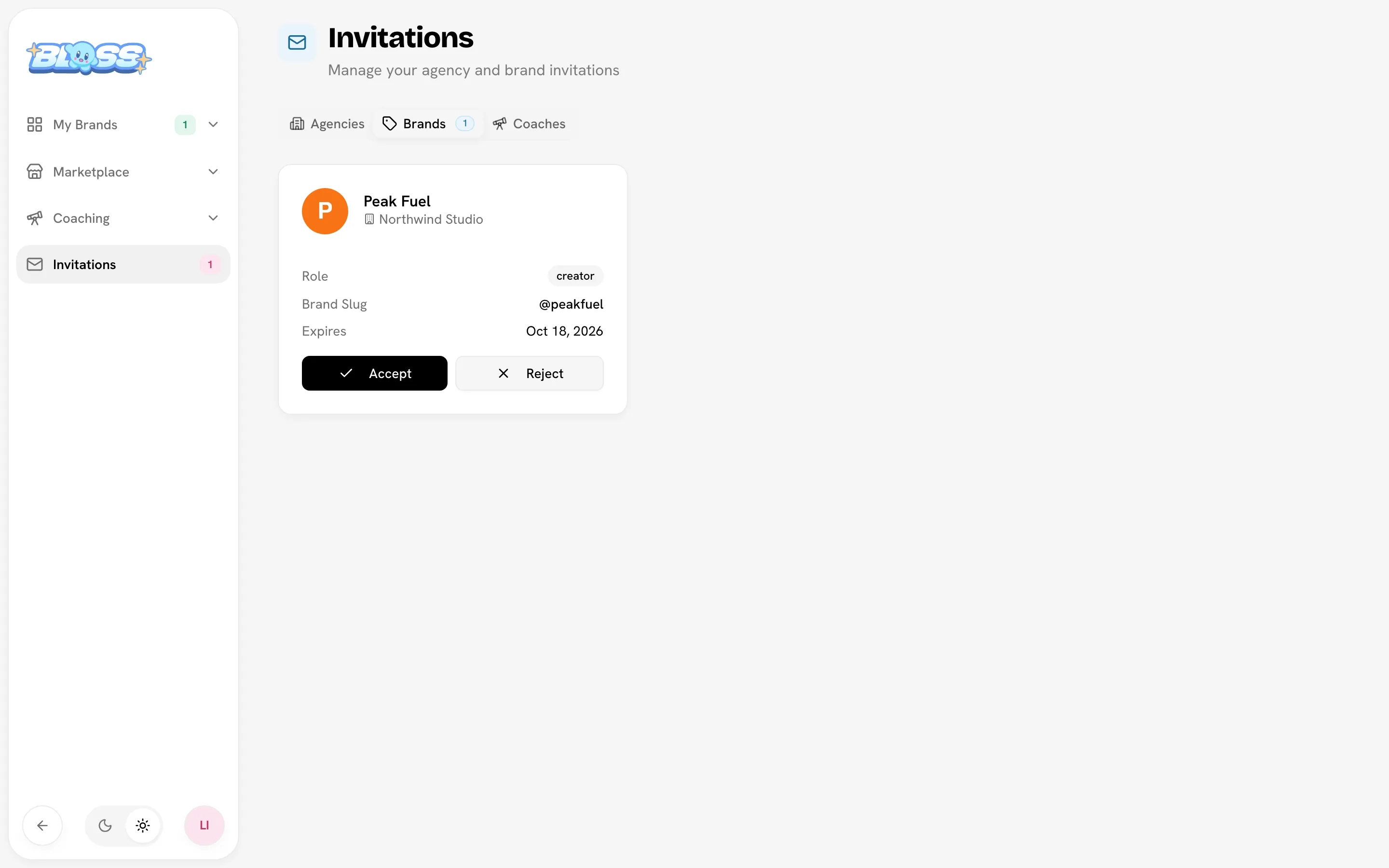
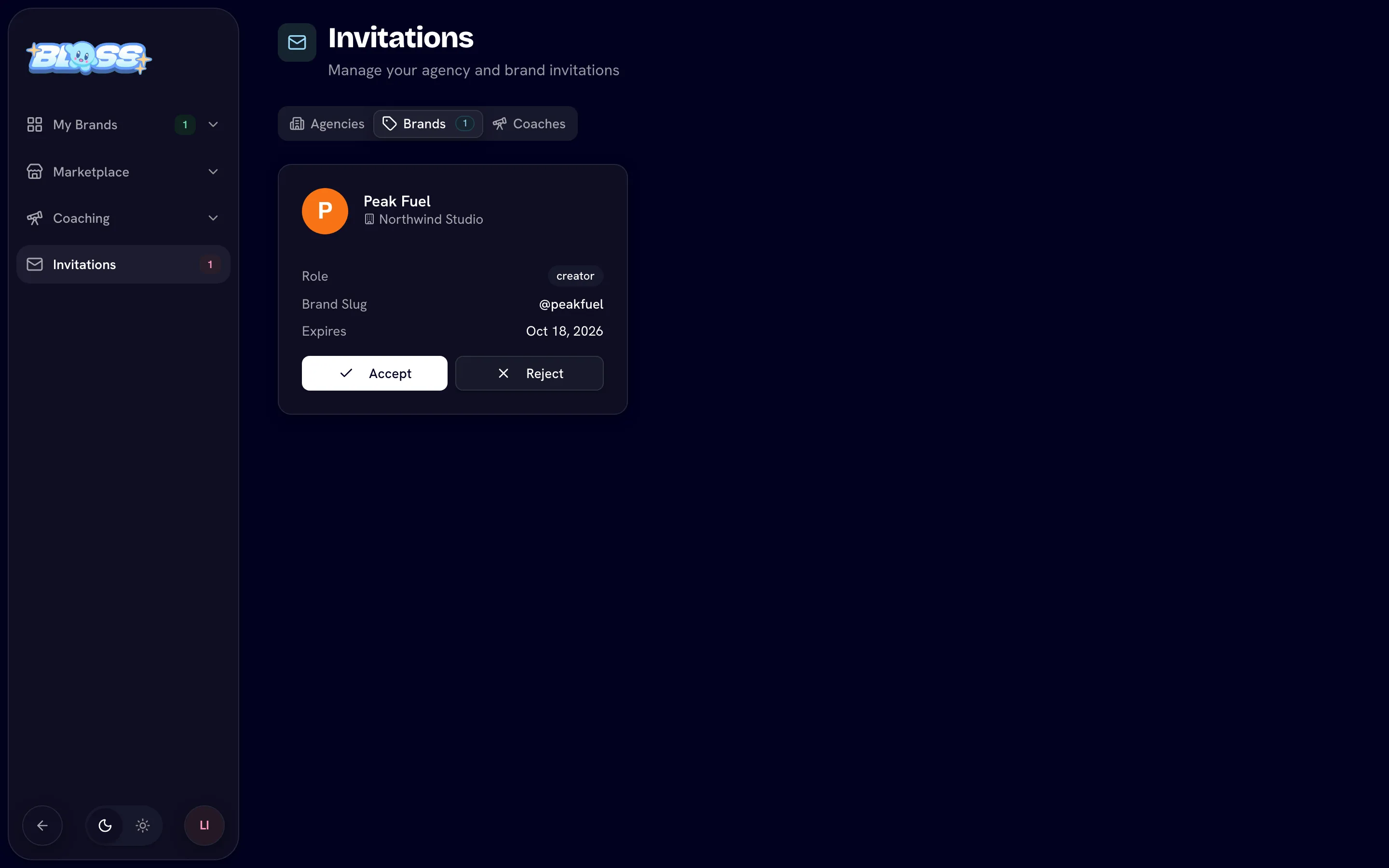
- Click Invitations in the main sidebar.
- Pick the Agencies, Brands or Coaches tab. Each tab shows how many invitations are waiting.
- Check the details: the role you're offered, who invited you and when the invitation expires.
- Click Accept, or Reject (Decline for coach invitations).
What happens after you accept:
- Agency: you go straight to the agency workspace. What you can do there depends on your role; see Members and access.
- Brand: you go to the brand's admin console if you were invited as an admin, or to its creator portal if you were invited as a creator.
- Coach: you join the coach's camp. You can leave a coach later from Account; see Working with a coach.
If you have pending brand invitations, the My Brands page also shows a reminder with a Review button.
Accept from the email
Brand invitation emails link to a page that says You've been invited! and names the brand and your role.
- Not signed in: click Sign In to Accept, or Create Account if you're new. Use the invited email address. After you sign in, the invitation is accepted for you.
- Signed in with the invited email: the invitation is accepted as soon as you open the link.
- New creators go through a short profile setup first, then land in the brand's creator portal.
Agency invitation emails open your Invitations page, where you accept as described above.
If you create an account with an email that has exactly one pending brand invitation, Bloss takes you into that invitation after sign-up. With several, you land on Invitations to choose.
When something goes wrong
| You see | What it means | What to do |
|---|---|---|
| Invitation Expired | The invitation is past its expiry date. | Ask the person who invited you to send a new one. Agency admins can Resend an expired agency invitation. |
| "You're signed in as … but this invitation is for …" | You're signed in with a different email address. | Log out and sign in with the invited email. |
| Invitation Not Found | The link is invalid or the invitation was already used. | If you already accepted it, open the brand from My Brands. Otherwise ask for a new invitation. |
| An invitation isn't on your Invitations page | It expired, it was canceled, or it was sent to another email address. | Check which email you're signed in with, then ask the sender to resend. |
Related
- Your account
- Joining a brand: invite links and recruitment applications
- Members and access: sending agency invitations
- Inviting creators: sending brand invitations
Last reviewed Oct 12, 2026