
Rating creators
Leave a 1–5 star review for each creator you pay, and learn how reviews appear on their marketplace profile.
After each payout cycle, you can rate the creators you worked with. Reviews help good creators stand out on the marketplace and give your team a record of what each creator was like to work with.
Rating is optional, and any brand admin can do it.
How reviews work
- A review is a rating from 1 to 5 stars, with an optional note of up to 2,000 characters.
- Your brand leaves one review per creator per cycle. Rating the same creator again in that cycle updates your review.
- You can only review creators who have claimed a marketplace profile. Otherwise you'll see "This creator hasn't claimed a marketplace profile yet".
Rate creators from a cycle
You're offered the chance to rate creators at two points in Payouts & Cycles:
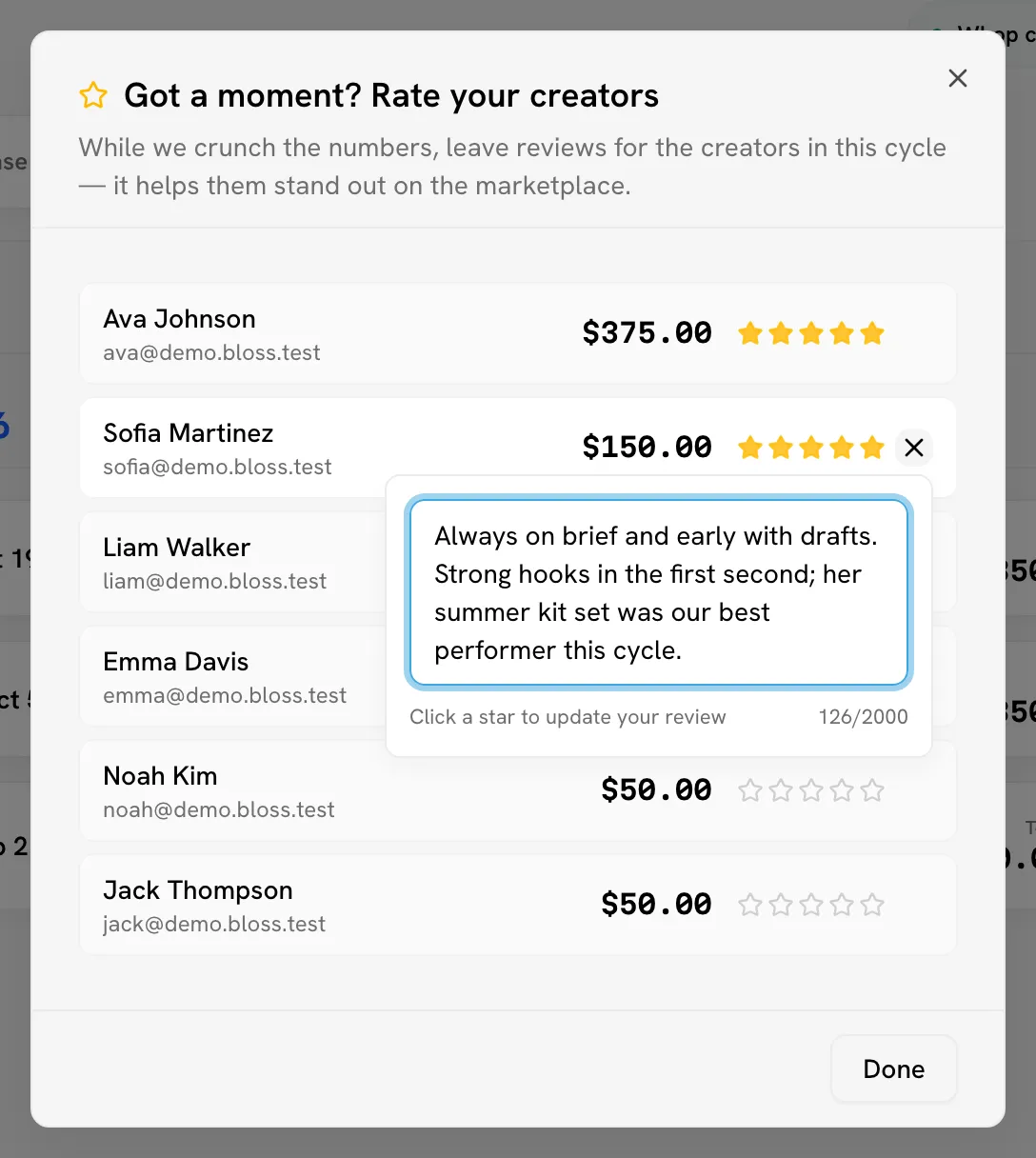
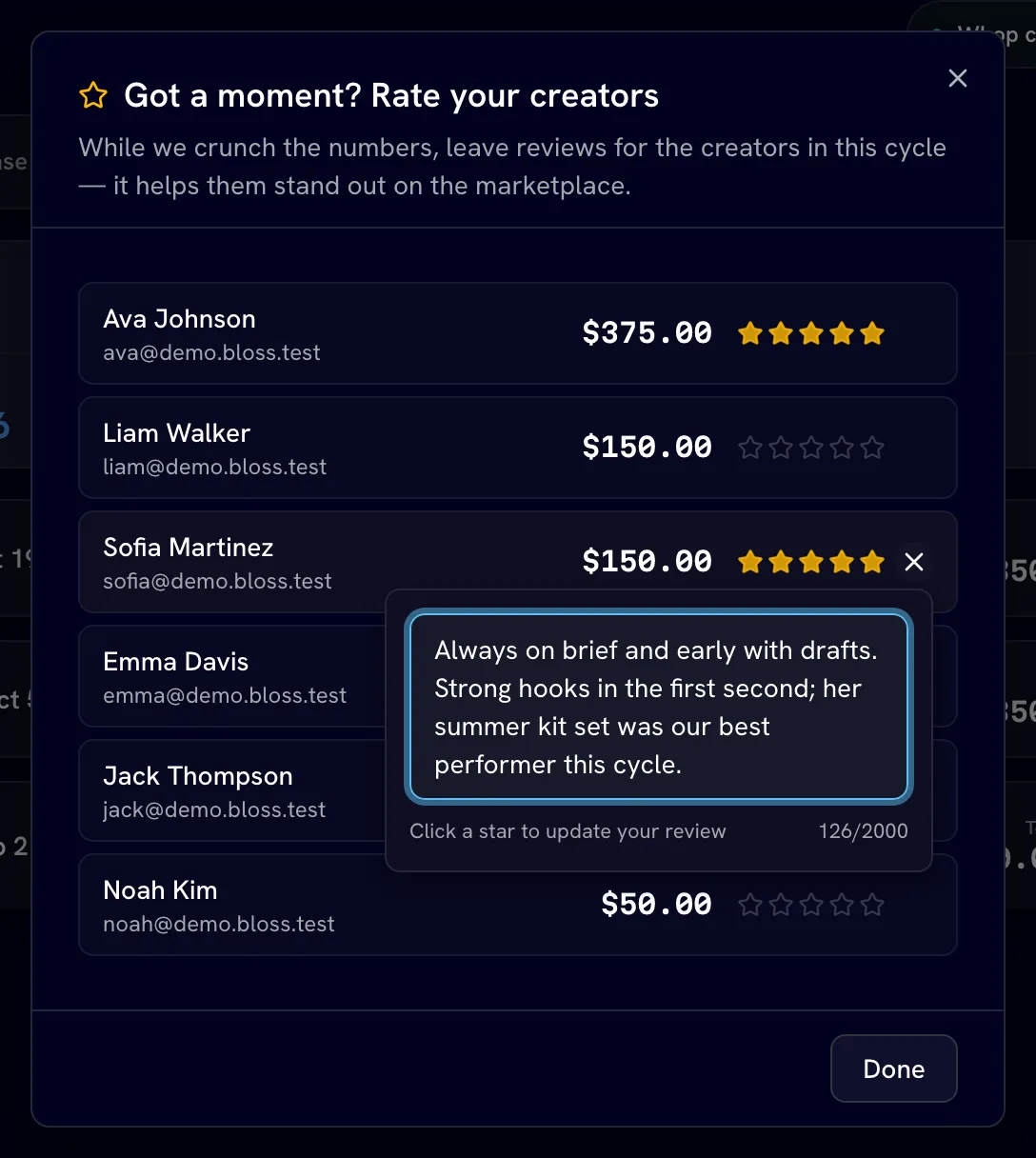
- While payouts calculate. When you generate or recalculate a cycle's payouts, Got a moment? Rate your creators opens. Creators appear once the calculation finishes; use Search creators... to find someone.
- When you mark a cycle as paid. The Mark Cycle as Paid dialog includes Rate the creators you're paying.
Pick a rating
Click a star next to the creator. The review is saved straight away; click a different star to change it.
Add a note (optional)
Click the note button to add or edit a note, then save it. Notes are optional.
See Running a cycle for the rest of the payout steps.
See your team's reviews
Each creator's profile has a Brand reviews card showing the reviews your team has left and their average rating. See Creator profile.
The card is read-only. To add or change a review, use the rating prompts in Payouts & Cycles described above.
What creators and other brands see
- The creator's marketplace profile shows their average rating across every review from every brand.
- Review notes appear under What brands say only if the creator chooses to pin them. A creator can pin up to five. New reviews start unpinned.
- Your brand's reviews of a creator are visible to your team on the creator's profile.
Related
Last reviewed Oct 12, 2026
Finding and inviting creators
Search the Bloss creator marketplace by platform, niche, experience and reach, read profiles and reviews, and invite creators to your brand.
Troubleshooting
Fixes for the most common brand admin problems, from videos that don't sync to payouts that look wrong and a brand that shows as inactive.