
Support inbox
Read the support tickets your creators send, track them through open, in progress, resolved and closed, and understand older Violation tickets.
Creators can contact your team from Contact Support in their brand portal. Their messages arrive as tickets in your support inbox, where you track each one until it's done.
Open it from Support in the sidebar. The page is titled Support Tickets. Any brand admin can use it.
Open the support inboxHow tickets arrive
A creator writes a Subject and a Message and sends it. Every brand admin gets a notification ("Creator opened a support ticket") that links straight to the inbox. See Notifications.
Work a ticket
Find it
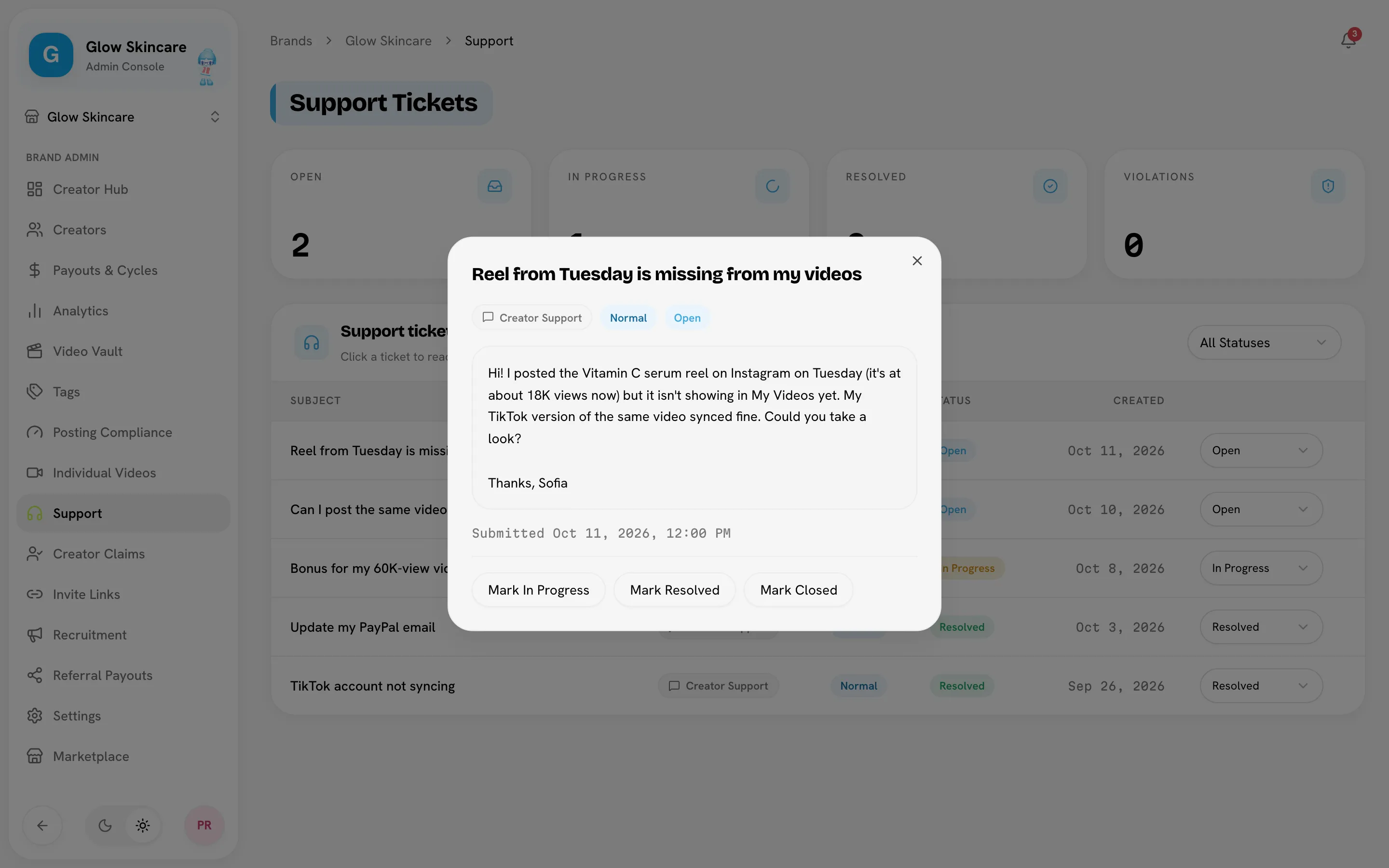
The tiles at the top count Open, In progress and Resolved tickets, plus Violations. Use the All statuses menu to show one status only. Tickets are listed newest first with their Subject, Type, Priority, Status and Created date.
Read it
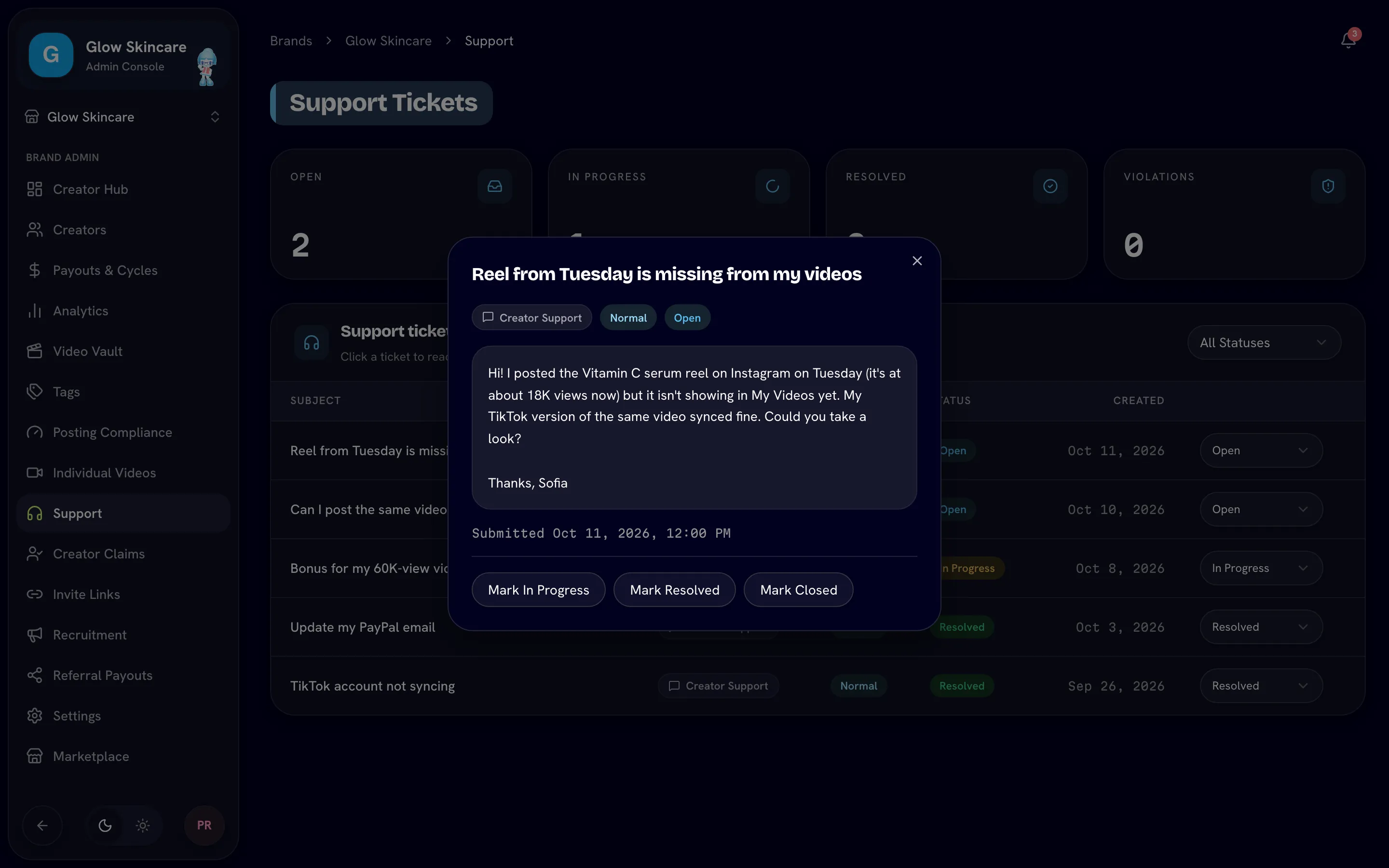
Click a ticket to open the full message and when it was submitted.
Update its status
Change the status from the menu on the row, or with the Mark … buttons in the open ticket.
| Status | Use it when |
|---|---|
| Open | New and not picked up yet. Every ticket starts here. |
| In progress | Someone is working on it. |
| Resolved | The problem is fixed. |
| Closed | Done, whether or not it needed a fix. |
Tickets have a priority of low, normal, high or urgent. Tickets creators send are normal. High and urgent tickets show in red, in the list and in the notification.
Reply outside the inbox
The inbox doesn't have a reply box. Creators see each ticket's status under Your Messages in Contact Support, but changing it doesn't send them a message. Reply to the creator directly, for example by email or in your Discord. The notification for each ticket tells you who sent it.
Violation tickets
Before Posting compliance existed, Bloss opened a ticket automatically when a creator went over a daily limit or missed a weekly minimum. Those older tickets are still in your inbox with the Violation type and are counted in the Violations tile. Everything creators send has the Creator support type.
Bloss no longer creates Violation tickets. Close the old ones when you've dealt with them, and use the Posting compliance page and notifications for posting issues instead.
Related
Last reviewed Oct 13, 2026