
Posting compliance
See which creators are keeping to your posting cadence, who is behind or over-posting, and how each status is worked out.
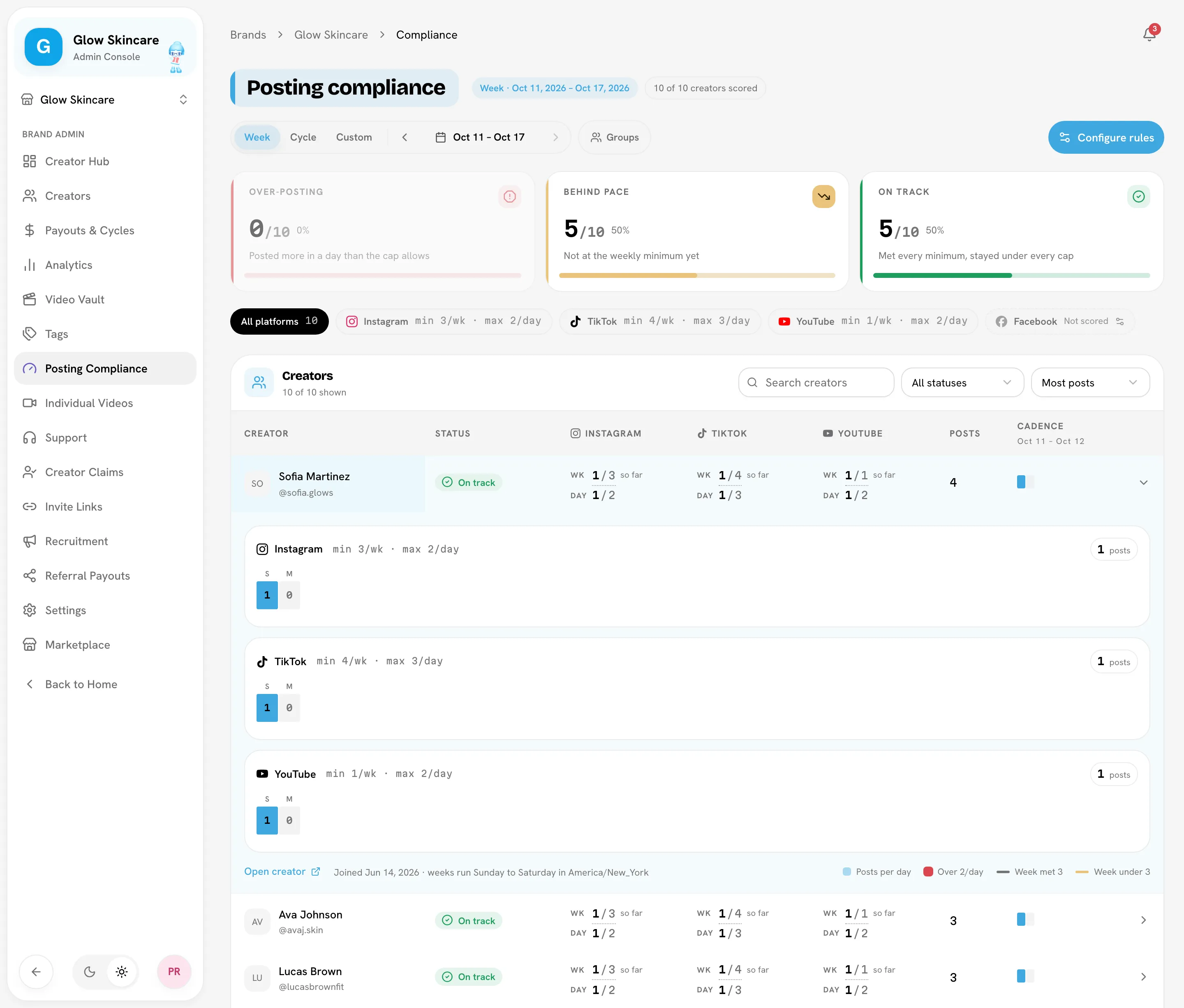
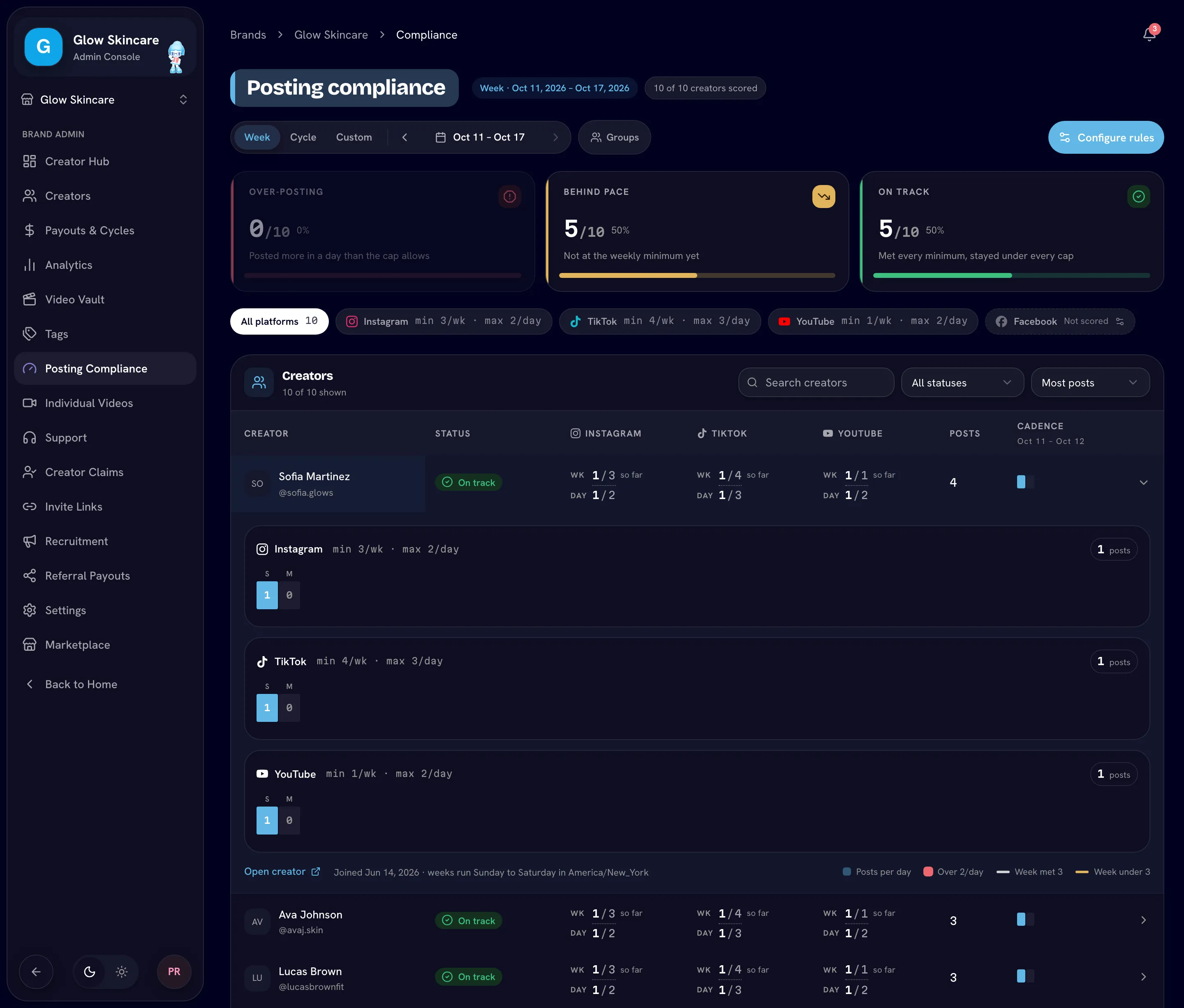
Posting compliance checks every creator against your posting cadence: a weekly minimum and a daily maximum per platform. It shows who is on track, who is behind and who is posting too much, so you can coach them early.
Open it from Posting Compliance in the sidebar. A summary card also appears on the Creator Hub.
Open Posting complianceSet a posting cadence first
Nothing is scored until you set a cadence. Click Set posting cadence (or Configure rules) to go to SettingsRulesPosting cadence. For each platform, set a minimum number of posts per week and a maximum per day, and choose whether the platform is scored. See Posting cadence.
Bloss scores every creator against these rules once a day.
Statuses
| Status | Meaning |
|---|---|
| Over-posting | Posted more in a day than the cap allows. |
| Behind schedule | Missed a weekly minimum. |
| Behind pace | Shown instead of Behind schedule when you're viewing the current week: they aren't at the weekly minimum yet. It's a forecast, not a missed week. |
| On track | Met every minimum and stayed under every cap. |
| No posts yet | Nothing to measure: no posts and no completed week. |
| Not scored | No connected account on a scored platform. |
Rows show a short version of the status: Over, Behind, On track, No posts yet or Not scored.
The header shows how many creators were scored, for example 18 of 20 creators scored. Hover it to see why the others weren't: they haven't posted yet, or they have no connected account on a scored platform.
Pick a period
| Period | What it scores |
|---|---|
| Week | One Sunday-to-Saturday week. The current week is live, so its minimum can't be missed until it ends. |
| Cycle | A payout cycle. |
| Custom | Any date range. |
Use the arrows to step to the previous or next week or cycle. Weeks always run Sunday to Saturday in your brand's timezone.
Find and review creators
- Click a status tile to show only creators with that status, or use the All statuses menu.
- Filter by platform or by creator group, or Search creators by name.
- Expand a row to see a day-by-day posting strip and counts: posts, weeks scored, weeks under the minimum and days over the cap.
Each creator's profile also has a Compliance tab with their rule history for the last 12 weeks.
How scoring works
- Creators are scored against the rules in force today, applied across the whole period. If you change the cadence, past weeks are re-scored.
- Only whole Sunday–Saturday weeks inside the period count toward the weekly minimum. Every day counts toward the daily cap.
- Only platforms where the creator has a connected account are scored for them.
- Platforms you don't score are skipped completely; nobody is flagged on them.
- Videos marked irrelevant aren't counted.
Compliance never changes pay
Posting compliance is for coaching. A flag doesn't hold back or reduce anyone's base pay or bonus.
Why Bloss says "flags"
A creator who posts too much on a Tuesday hasn't done anything wrong; the goal is to help them post consistently. So Bloss describes each event in a sentence, such as "went over the daily post cap", and calls them flags as a group. In the notifications panel, they're under the Violations filter.
Notifications
When a creator goes over a daily cap or misses a weekly minimum, every brand admin gets a notification. To keep the volume manageable:
- Only flags from the last 14 days are announced.
- Each creator gets at most three individual notifications at a time; the rest are rolled into one "new cadence flags" notification per day.
See Notifications.
Related
Last reviewed Oct 13, 2026