
Creator Hub
Read your program's headline numbers, leaderboards, recent wins and posting health on the brand admin home page.
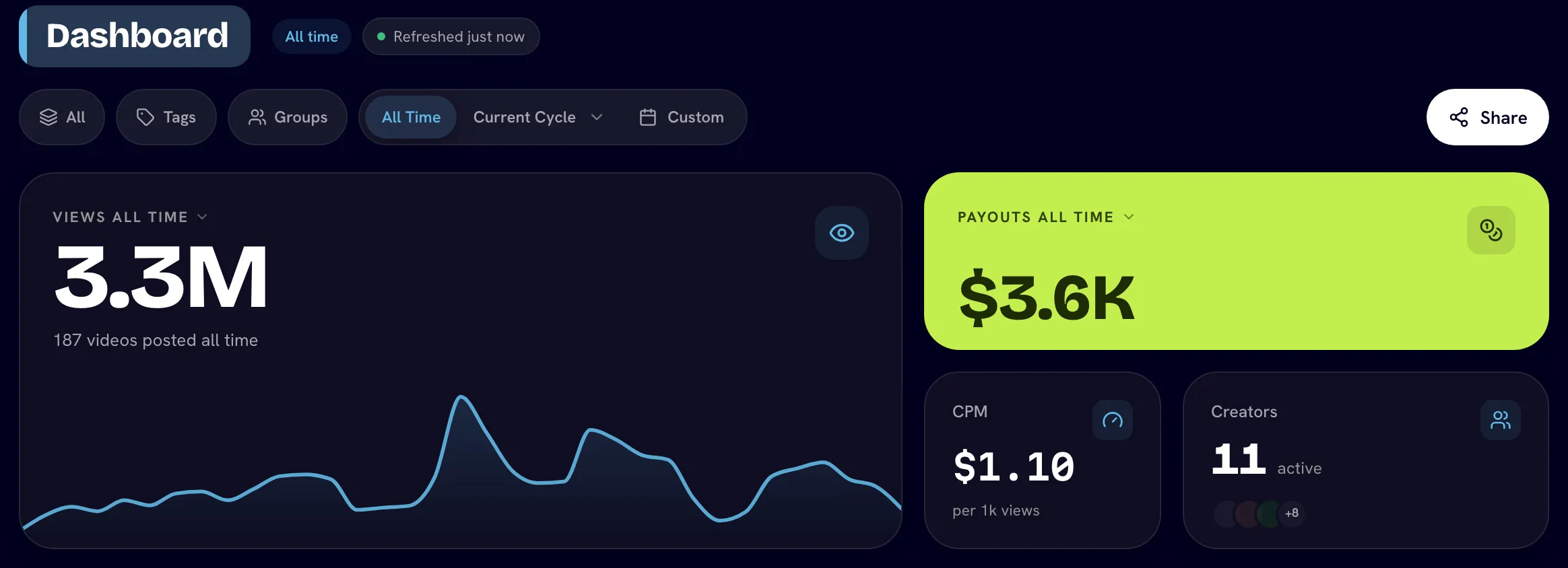
The Creator Hub is the first page of the brand admin console. It shows how the whole program is doing for the period you pick: views, payouts, creators, top videos, who's leading and who's falling behind on posting.
Open it from Creator Hub in the sidebar. The page header reads Dashboard.
Open the Creator Hub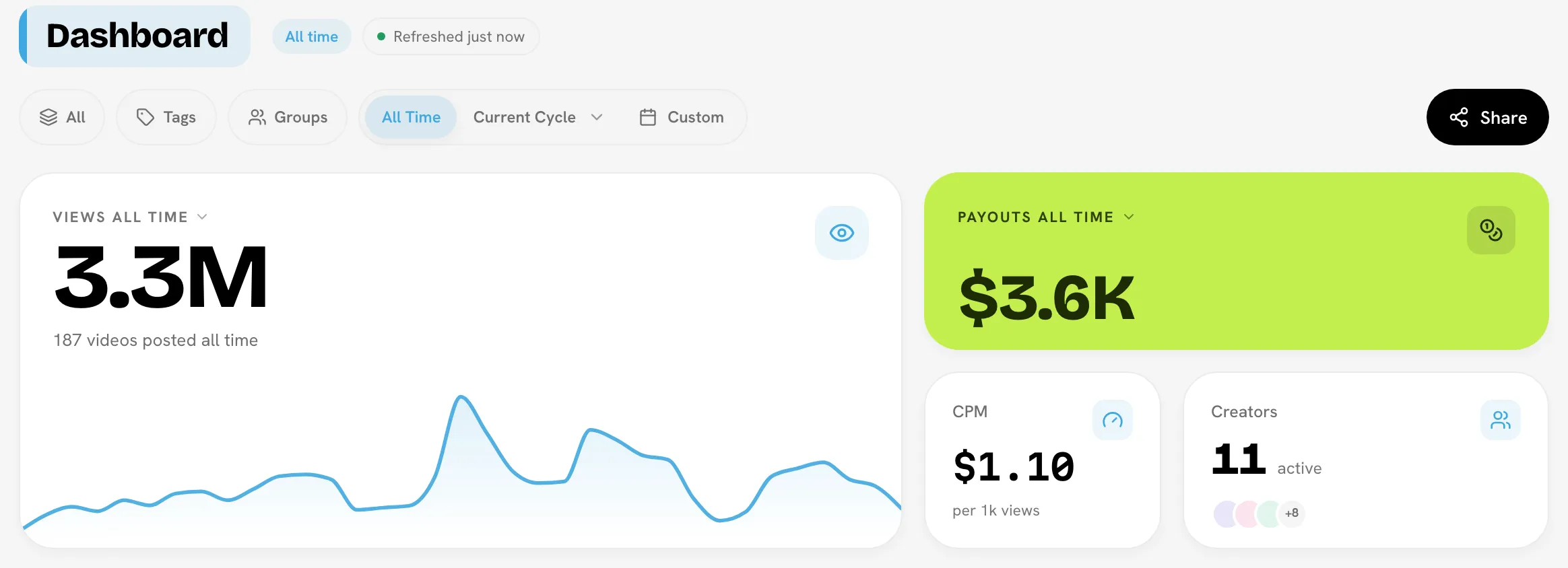
Pick a period and filters
The header controls apply to every section on the page.
| Control | What it does |
|---|---|
| Platform | Show one platform only (Instagram, TikTok, YouTube or Facebook) or All. |
| Tags | Show only videos with the tags you pick. Hidden when the brand has no tags. |
| Groups | Show only creators in the creator groups you pick. Ungrouped selects creators who aren't in any group. Hidden when the brand has no groups. |
| Period | All Time, Current Cycle (or any past cycle from its dropdown), or Custom, with presets such as Last 7 Days and Last 30 Days. |
Chips next to the title show what you're looking at, for example the cycle dates, the group you picked, and Refreshed 3h ago (when stats were last updated). If the brand has no running cycle, Current Cycle shows the current month and the header says No active cycle · showing this month.
Groups are a lens, not a rule
Filtering by group only changes what you see. It never changes anyone's pay.
Headline numbers
| Tile | Shows |
|---|---|
| Views | Total views for the period, with the number of videos posted and a small trend line. Hover to split views by platform. |
| Payouts | Total payouts for the period. Hover for Total payouts, Paid, Pending, Base Pay and Bonus Pay. |
| CPM | Payouts per 1,000 views for the same period. See CPM. |
| Creators | Creators with any activity in the period, and the roster total when they differ. |
Below them, smaller tiles show Videos, Followers (combined across platforms), Pending payouts and New creators. Hover Videos or Followers for a per-platform split.
When you filter by one platform, the Payouts and CPM tiles are hidden. Money is paid per set across platforms, so it can't be split by platform.
Charts
- Momentum chart: switch between Views, Engagement (likes, comments and shares) and Eng. rate. Click a day to pin a breakdown of the videos behind it.
- Cumulative Trend: how total views have built up over the period.
- Content and creator tiers: how your videos and your creators are spread across performance tiers. Outside All Time, the previous period is shown for comparison.
- Platform mix: which platforms carry your views and videos. It's hidden when you filter by one platform. The per-creator detail lives on Analytics.
Leaderboards and posts
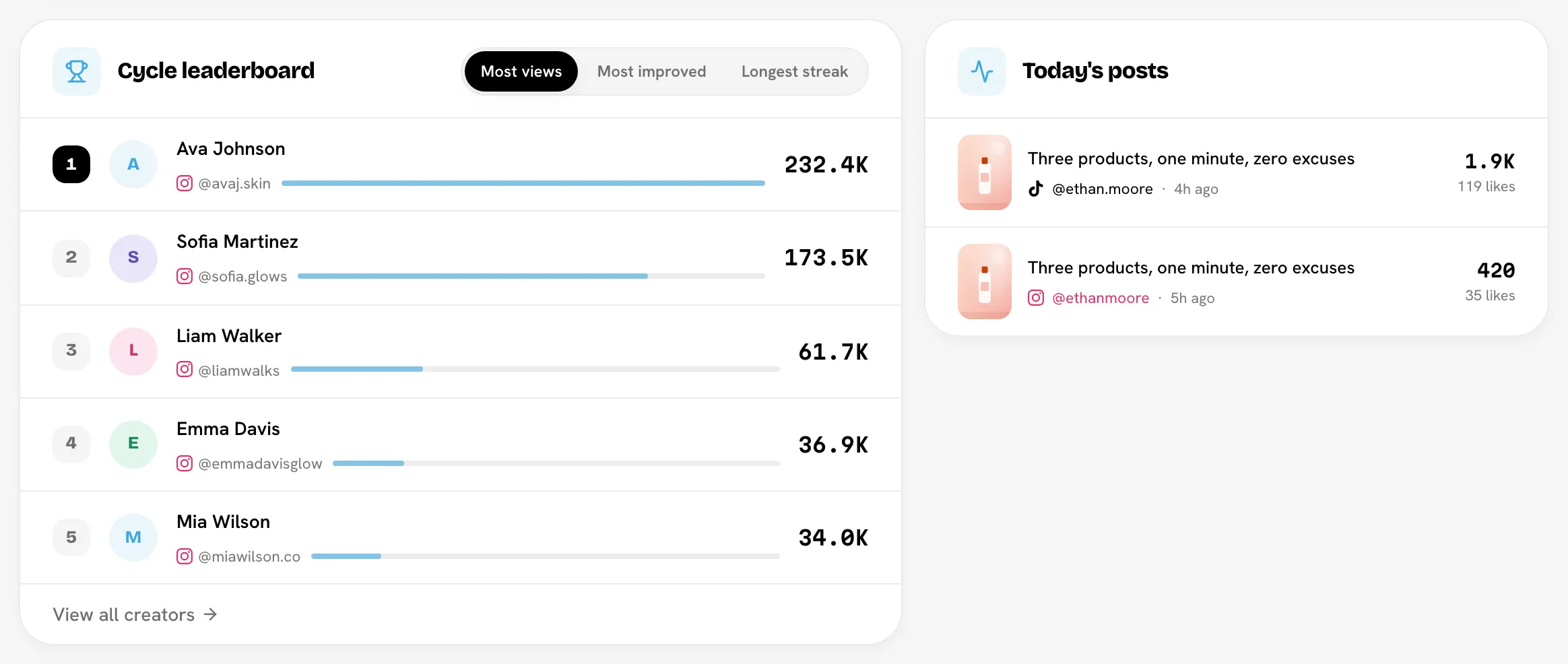
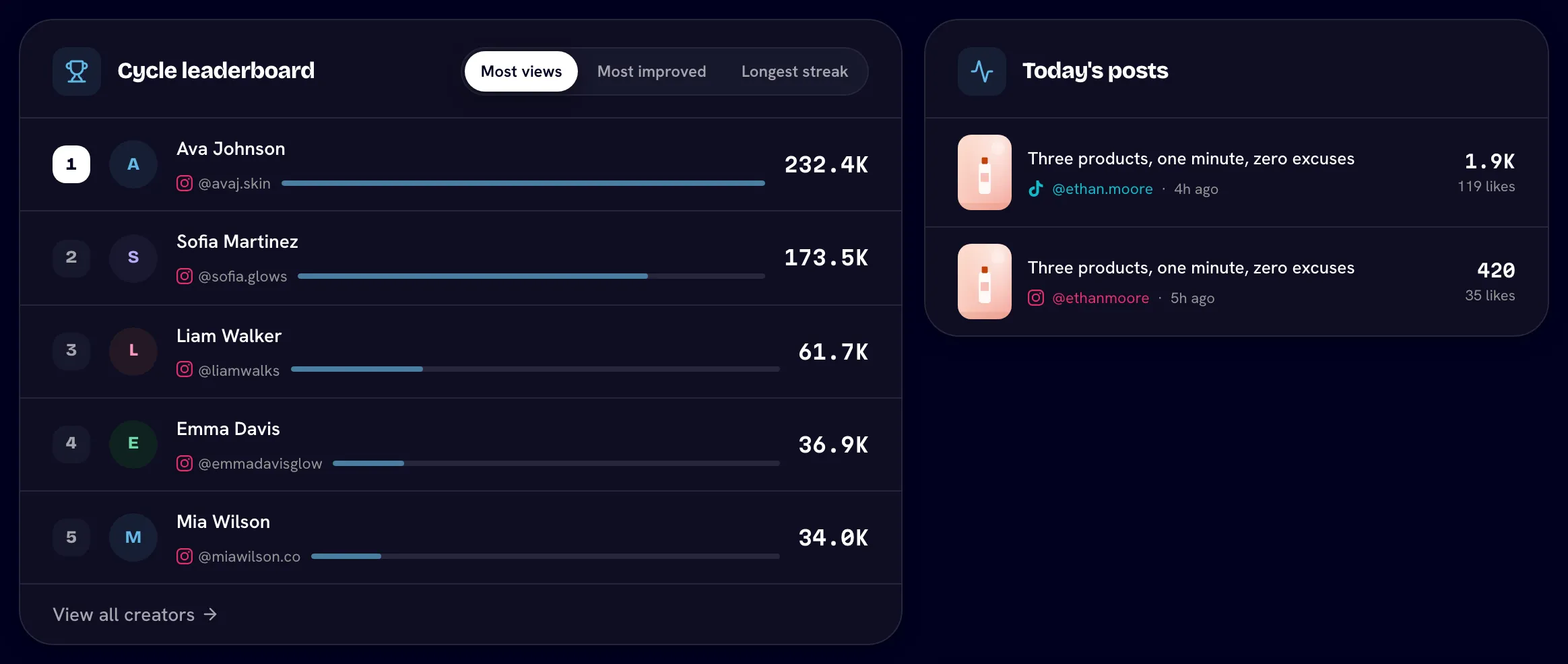
The leaderboard card shows the top five creators.
| Period | Tabs |
|---|---|
| A cycle or custom range (Cycle leaderboard) | Most views, Most improved, Longest streak |
| All Time (All-time leaderboard) | Most views, Most videos, Most payouts (hidden under a platform filter) |
Click View all creators to open the full roster.
Next to it, a list shows recent posts. Its title follows the period: Today's posts, Posts this cycle, Posts in range or Latest posts. Below, Top videos ranks the best-performing videos in the period.
Posting compliance card
If you've set a posting cadence, a Posting compliance card sums up who is on track, behind or over-posting in the same period, with the worst cases listed first. Click View all to open the full page, or Configure rules to change the cadence. If no cadence is set, the card offers Set posting cadence. See Posting compliance.
Posting calendar
The calendar shades each day by how much the team posted, from Less to More, and counts Active days. On All Time, use the arrows to browse month by month.
Recent wins
Recent wins lists the four newest milestones creators reached. Bloss records them automatically each time a creator's videos sync:
- Hit 1,000 views on a video, and hit 10,000 views on a video (once each)
- New personal best for a single video's views
- 7-, 14- and 30-day posting streaks
- Posted 10 videos
- Reached a bonus tier's view threshold this cycle (only for tiered bonus deals)
- Posted a video today
The card is hidden until there's at least one win.
Share the hub
Click Share in the header to give clients or stakeholders a read-only view. See Sharing your Creator Hub.
Related
Last reviewed Oct 12, 2026
Use your brand's data with AI agents
Let an AI agent such as Claude answer questions about your brand's creators, videos, campaigns and pay, or read the same data with the Bloss API. Scale plan.
Sharing your Creator Hub
Give clients a read-only view of your Creator Hub with a link and access code, optionally including the Video Vault and Tag Analytics.