
Trials
How the optional creator trial works — the view goal, video count and trial length — and how creators pass, skip or go back to trial.
A trial is an optional first stage for new creators. While on trial, a creator is synced and paid like anyone else; they aren't a full member yet. They pass when enough of their videos reach your view goal within the trial window.
Trials are off by default.
Set up trials
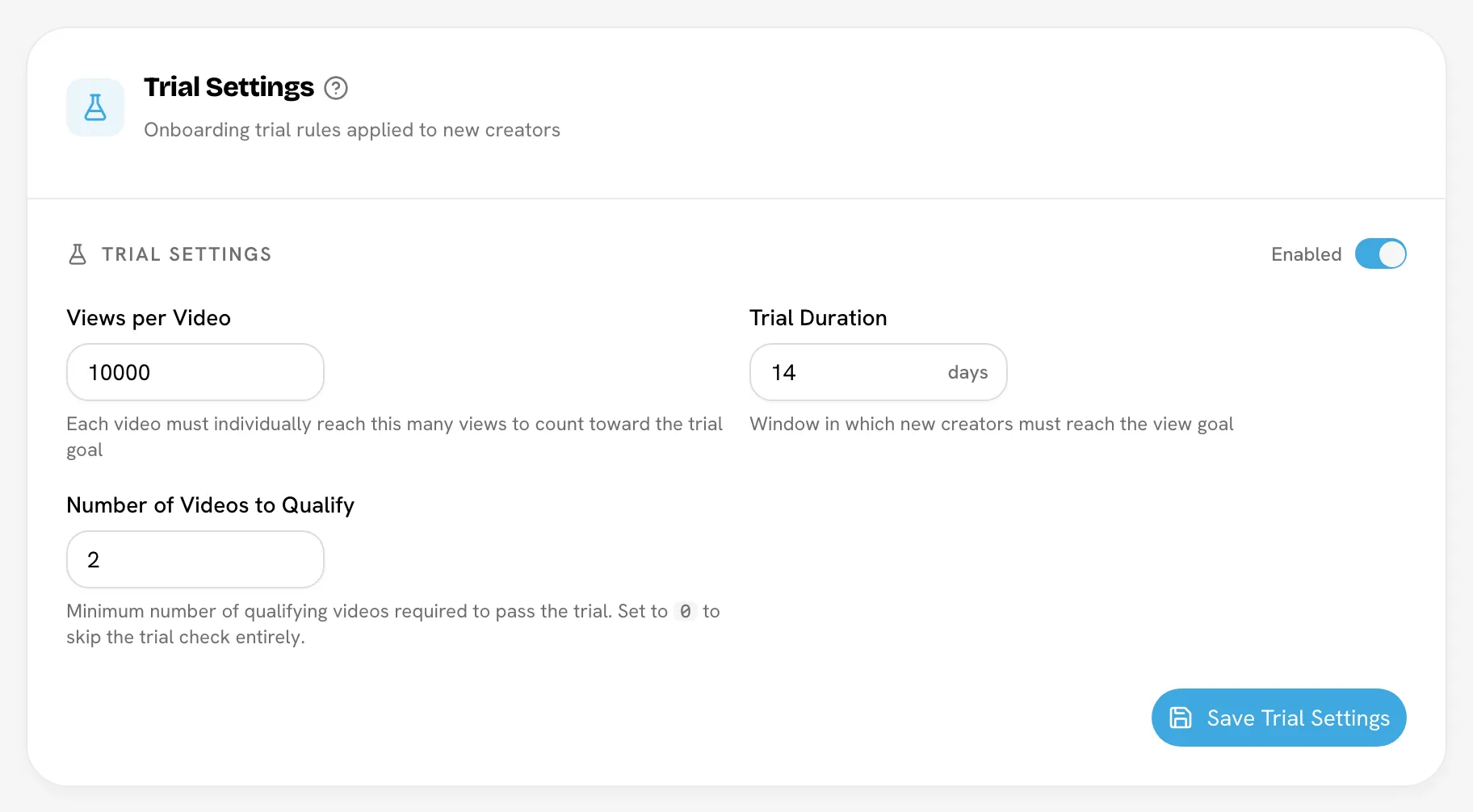
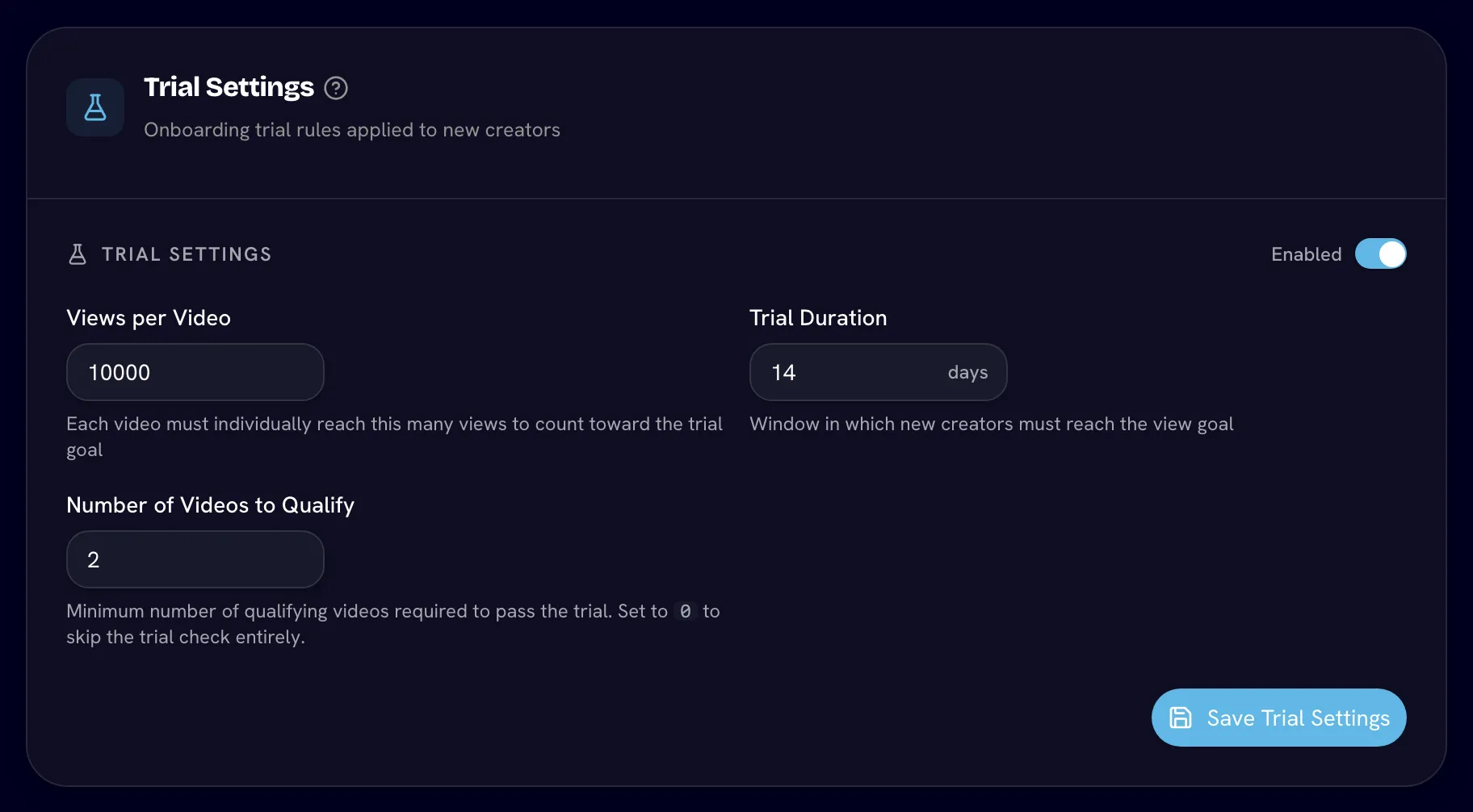
Go to SettingsRulesTrial.
Open Settings| Setting | Default | What it means |
|---|---|---|
| Trial Settings switch | Disabled | Turns trials on or off for new creators. |
| Views per Video | 10,000 | Each video must reach this many views on its own to count. |
| Trial Duration | 14 days | The window, from the day the creator joins, to hit the goal. |
| Number of Videos to Qualify | 1 | How many qualifying videos are needed to pass. Set to 0 to skip the trial check entirely. |
Click Save Trial Settings.
How a creator passes
A creator passes when, inside their trial window, they have at least Number of Videos to Qualify videos that each reached Views per Video.
- Videos are counted one by one, per platform post — not per set, and views aren't added up across videos.
- Only videos posted inside the window count.
- Videos marked irrelevant don't count.
Bloss checks after each sync. When a creator passes, they move to Active automatically.
Example. Views per Video is 1,000 and Number of Videos to Qualify is 2. A trial creator posts three videos with 1,200, 800 and 1,500 views. Two of them reach 1,000, so they pass.
When the window ends
A creator who doesn't pass within the window isn't removed. They stay on Trial until you decide: Skip Trial, Pause them, or remove them.
Track a creator's progress
On the creator's profile, the Program Status card shows Qualifying Videos against the goal and Days Left, with a progress bar. Creators see their own progress in their portal.
Skip or restart a trial
On the creator's profile, in Program Status:
- Skip Trial moves a trial creator to Active straight away.
- Demote to Trial puts an active or paused creator back on trial. Their trial window restarts from that moment, so only videos posted from then on count.
Turning trials on or off
- Turning trials on affects creators who join from then on. Existing active creators stay active.
- Turning trials off means new creators start as Active. Creators still on trial are moved to Active on their next sync.
Related
Last reviewed Oct 12, 2026
Creator groups
Organize your roster into named, colored groups — squads, tiers, cohorts — and filter the roster, Video Vault and analytics by them.
Creator claims
Review requests from creators who want to take over a profile you created for them — and understand why accepting one permanently deletes their other account in your brand.