
Customization
Give your brand's workspace its own logo and colors — upload a logo, start from one of 12 theme presets, and fine-tune the identity and chart colors.
SettingsCustomization sets your brand's logo and colors. They're shown across the brand admin console and the creator portal. A live preview updates while you edit.
Open Settings › Customization
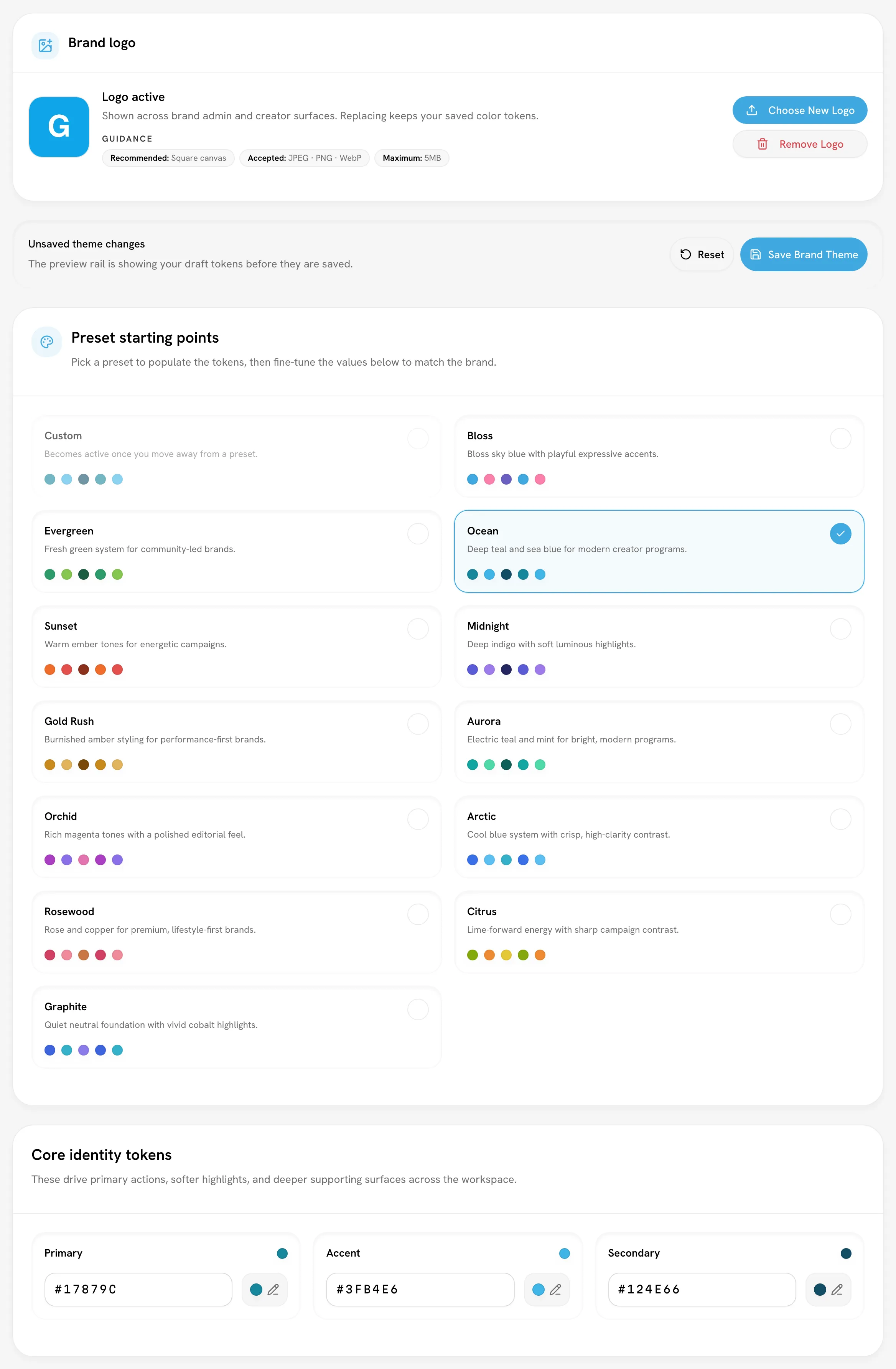
Upload a logo
- Click Select Logo File (or Choose New Logo to replace one).
- Pick a square image: JPEG, PNG or WebP, up to 5 MB.
The logo uploads straight away. Without one, Bloss shows your brand's initials. Remove Logo goes back to the initials. Replacing the logo keeps your saved colors.
Choose a theme
Start from a preset
Under Preset starting points, pick a preset to fill in every color.
Fine-tune the colors
Adjust the Core identity tokens and the Chart palette. Every value is a full 6-digit hex code, such as #16A34A. Once your edits no longer match a preset, the Custom card is selected.
Save
Click Save Brand Theme. Until you save, the status reads Unsaved theme changes and only the preview shows your draft.
The 12 presets
| Preset | Look |
|---|---|
| Bloss | Bloss sky blue with playful expressive accents. |
| Evergreen | Fresh green system for community-led brands. |
| Ocean | Deep teal and sea blue for modern creator programs. |
| Sunset | Warm ember tones for energetic campaigns. |
| Midnight | Deep indigo with soft luminous highlights. |
| Gold Rush | Burnished amber styling for performance-first brands. |
| Aurora | Electric teal and mint for bright, modern programs. |
| Orchid | Rich magenta tones with a polished editorial feel. |
| Arctic | Cool blue system with crisp, high-clarity contrast. |
| Rosewood | Rose and copper for premium, lifestyle-first brands. |
| Citrus | Lime-forward energy with sharp campaign contrast. |
| Graphite | Quiet neutral foundation with vivid cobalt highlights. |
Bloss is the default.
The tokens
| Group | Colors | Used for |
|---|---|---|
| Core identity tokens | Primary, Accent, Secondary | Primary actions, softer highlights and deeper supporting surfaces across the workspace. |
| Chart palette | Chart 1 to Chart 5 | Charts, comparisons and other data-heavy views in the brand workspace. |
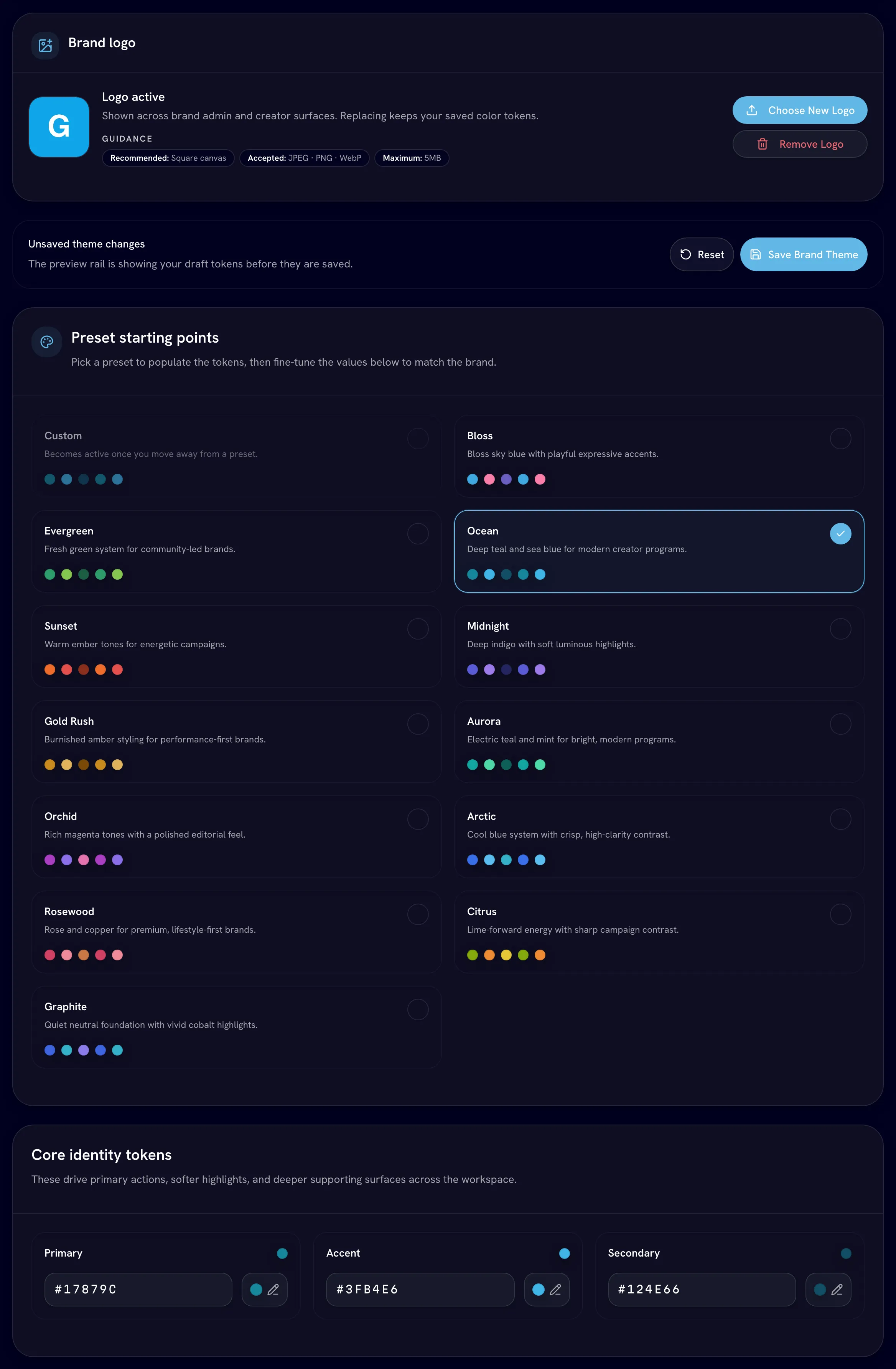
Dark mode shades are worked out from your colors automatically.
Related
Last reviewed Oct 13, 2026
Team & access
Invite brand admins, choose full or limited admin access, give someone a creator profile as well, and revoke access.
Use your brand's data with AI agents
Let an AI agent such as Claude answer questions about your brand's creators, videos, campaigns and pay, or read the same data with the Bloss API. Scale plan.