
Link health
How Bloss spots dead links and changed or unreachable creator accounts, what each badge means, and what it deliberately doesn't flag.
Posts disappear: creators delete or archive them, set them to private, or a platform takes them down. Creators also change their usernames. Link health tells you when that happens, so your reports don't send a client to a broken link and your syncs keep finding new posts.
Link health never changes views or pay
A post with a dead link keeps the views it had and whatever it earned. Nothing about pay or qualification reads these flags. If you want to stop paying for a set, mark it unpaid or mark its posts irrelevant.
Dead links
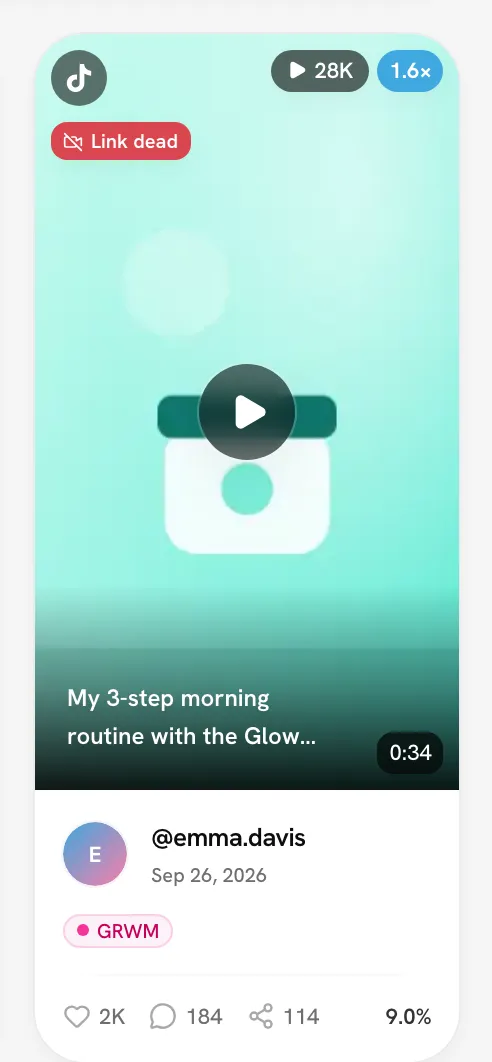
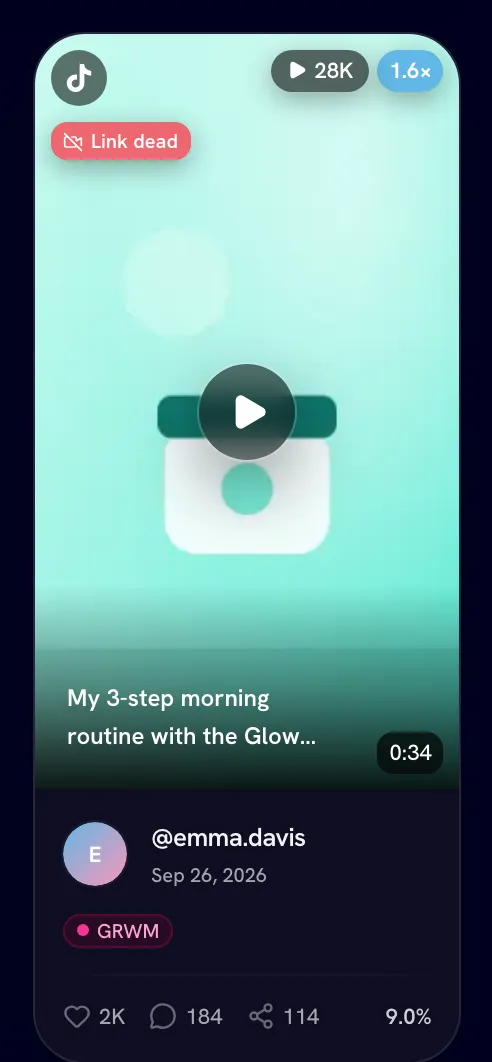
A dead link is a post that no longer opens on its platform. It carries a Link dead badge. Hover it to see why and when Bloss first noticed:
| Reason shown | What the platform reported |
|---|---|
| deleted by the creator | The creator deleted the post (TikTok reports this). |
| set to private | The post is private now (TikTok reports this). |
| removed or archived | The post can't be found — deleted, archived, or taken down by the platform. |
| no longer reachable | The post is gone, with no more detail. |
Bloss words these carefully: "removed or archived" doesn't blame the creator, because the platform may have taken the post down.
How a link is confirmed dead
Bloss doesn't flag a post as soon as it's missing from the creator's profile. It checks in two steps:
- During each sync, Bloss notes posts that weren't listed on the creator's profile.
- If a post stays missing on later syncs, Bloss checks the post directly. Only a clear "this post doesn't exist" (or deleted, or private) answer marks it dead.
A badge can take a few days to appear. When many of a creator's posts are missing at once, Bloss works through them over several nights.
If a dead post shows up on the creator's profile again — say, they un-archive it — the badge comes off.
What isn't flagged
- Posts that are only missing from the profile. Platforms routinely leave live posts out of a creator's profile listing, so missing alone is never treated as dead.
- Temporary errors. If a platform doesn't give a clear answer, nothing is marked.
- A profile that failed to load or came back empty. That says nothing about individual posts. It's handled by account alerts instead.
- Posts you've marked irrelevant. You've already excluded them, so they get no badge.
Where you'll see it
- On video cards in the Video Vault and on a creator's Videos tab.
- In the Vault's Sets view, per platform.
- In payout CSV exports, in a link health column (No issues detected, or which link is dead).
- To your creators, worded for them, in their own portal.
Filter by link health
In the Video Vault and Analytics, the Link health filter offers:
- Has a dead link — only sets where at least one post no longer opens.
- No dead links — hides any set with a post confirmed dead. Sets whose links were never checked are kept.
The filter works on whole sets: if one post in a set is dead, the whole set is kept or dropped together, including its live posts' views.
Get alerted
Webhooks can tell your Discord or your own system when a tracked video's link is confirmed dead. See Webhooks.
Account alerts
Sometimes the problem is the account, not one post. When Bloss can't load a creator's profile on a platform, it checks one of their recent posts to find out why:
| Alert | When | What it means |
|---|---|---|
| Handle changed | The post still works, but now shows a different username. | The creator renamed their account. Bloss shows the new handle. |
| Account unreachable | The post is gone too. | The account may have been suspended, deleted or set to private — platforms report all three the same way, so Bloss doesn't guess. |
If the posts still work under the username on file, the failed profile load is ignored and no alert is raised.
An "i" marker appears next to the handle on the Creators table, the creator's Connections card and other places the handle shows. Hover it for the details. Until it's fixed, new posts from that account stop coming through. Posts already tracked, and their pay, are unchanged.
Individual posts can also show a Handle changed badge: "Now posted by @newhandle — the creator appears to have changed their handle."
Fix an account alert
Update the handle
Open the creator's profile and edit Connections. Enter the new username, or remove the account if the creator no longer uses it.
Sync
Click Sync Data, or wait for the nightly sync. Once the handle loads, the alert clears by itself.
Alerts also clear on their own if the account comes back.
Bloss can tell when a Facebook page is unreachable, but it can't detect a Facebook rename, so you won't see Handle changed for Facebook.
Related
Last reviewed Oct 13, 2026
Tags and tag analytics
Label videos and sets with tags — hooks, products, formats — and use Tag analytics to see which ones perform, how the score and tiers work, and which tags win together.
Tracking individual videos
Track the stats of any single video by URL — a trial post or an unlisted video — without it touching your creators, pay or analytics.