
Tracking individual videos
Track the stats of any single video by URL — a trial post or an unlisted video — without it touching your creators, pay or analytics.
Individual Videos (the page itself is titled Videos) lets you follow the views, likes, comments and shares of any video by pasting its URL. It's separate from everything else in Bloss: tracked videos don't belong to a creator, don't form sets, and never feed your Creator Hub, Analytics, Video Vault or payouts.
Use it for one-off checks — a trial post, an unlisted video, a video outside your program.
Turn it on
Open Features
Go to SettingsRulesFeatures.
Switch on Video Tracking
Turn on Video Tracking. An Individual Videos item appears in the sidebar.
Turning it off hides the sidebar item and the page.
Track a video
Paste the URL
On Individual Videos, under Track a video, paste an Instagram, TikTok or YouTube URL.
Add it
Click Add video. Bloss fetches the video's stats and adds it to the list.
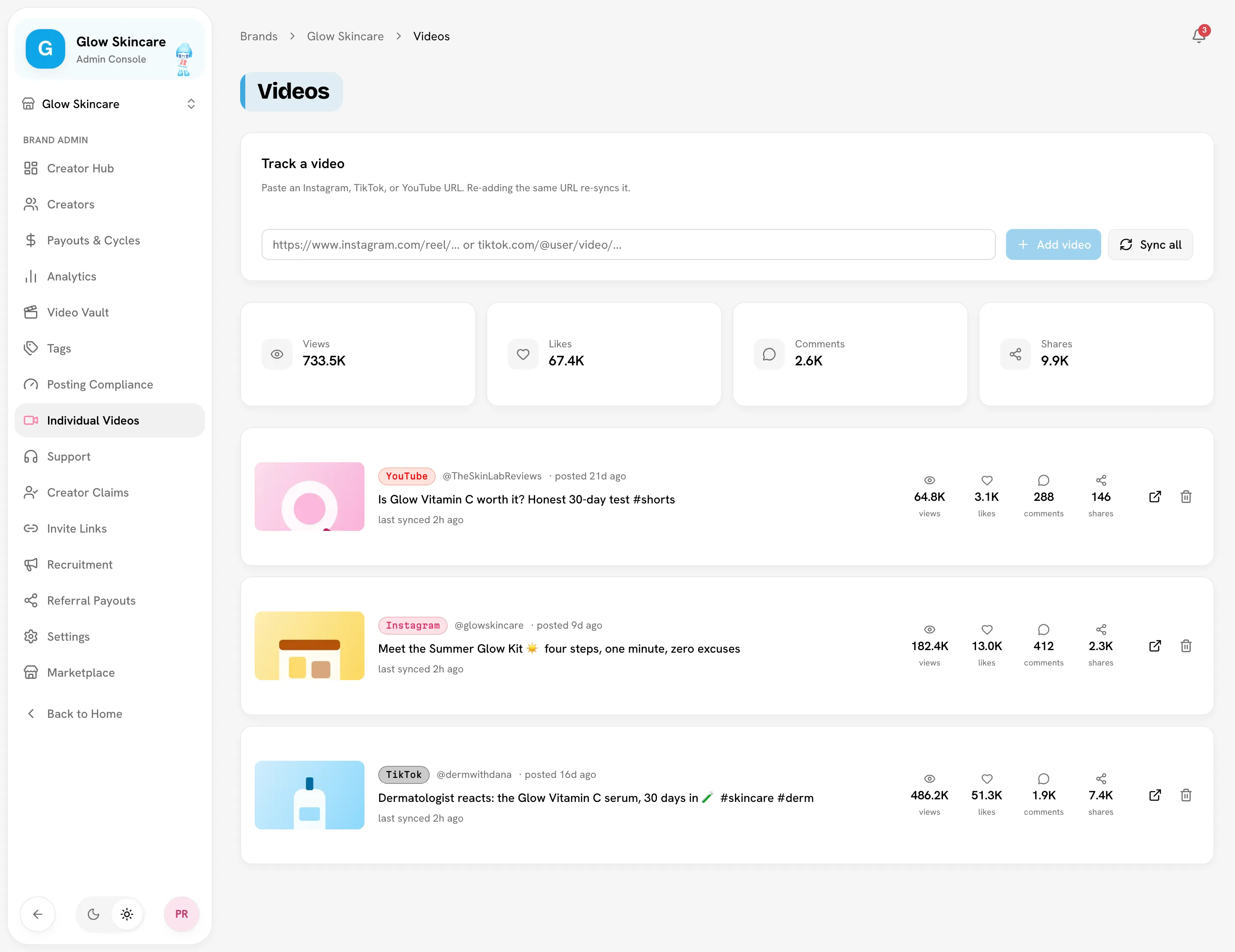
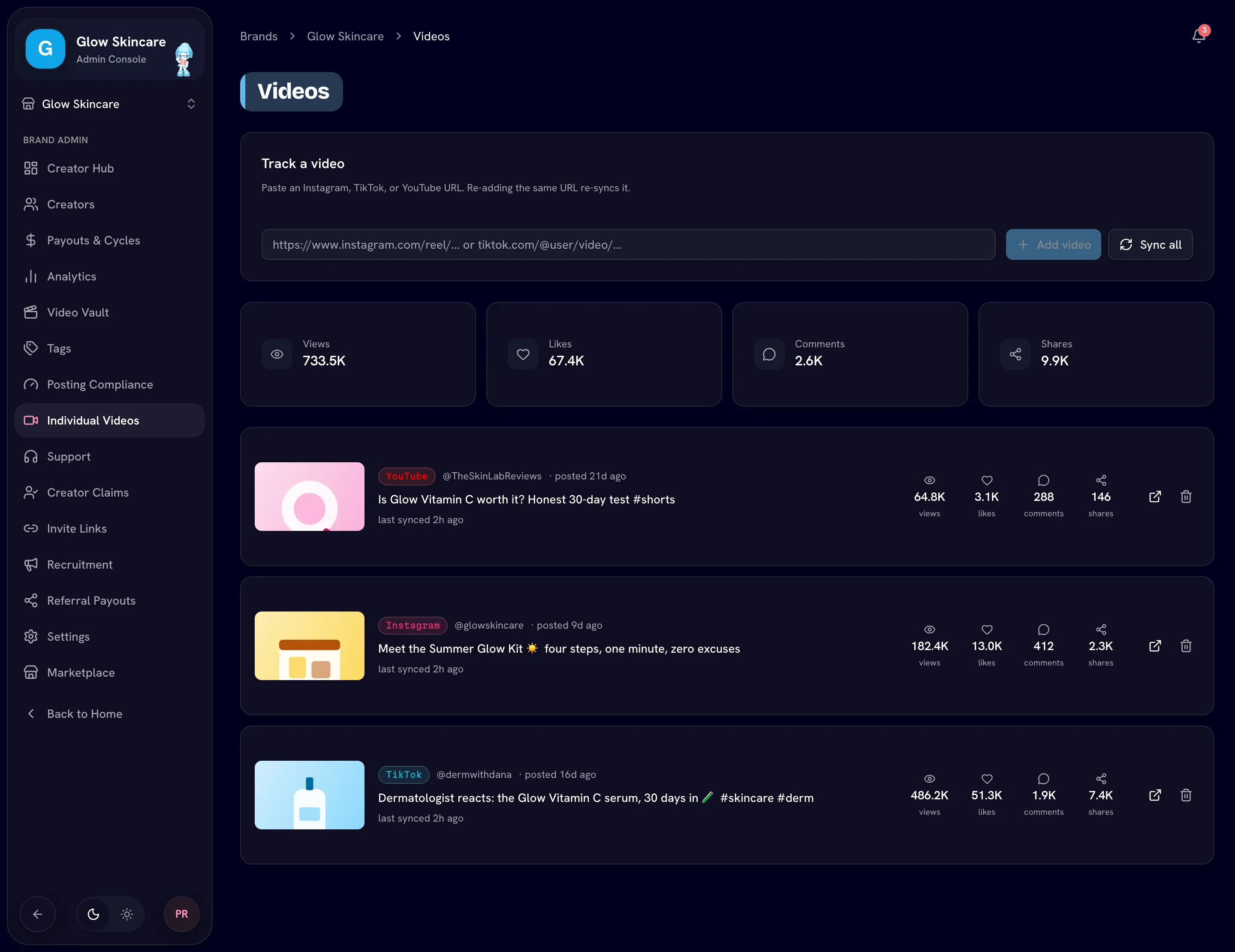
The tiles at the top total Views, Likes, Comments and Shares across everything you're tracking.
Keep stats up to date
Tracked videos update when you ask:
- Sync all refreshes every tracked video. If some fail, Bloss tells you how many.
- Adding a URL you already track refreshes that one video.
Stop tracking a video
Click the remove button on a video, then Remove. It only disappears from Individual Videos. Paste the URL again any time to start tracking it again.
Related
Last reviewed Oct 12, 2026